
This article covers how to add and edit users.
The Users List can be accessed by clicking list button next to the relevant entity in the main screen, which will then display only the users associated with that entity.

|
Users List
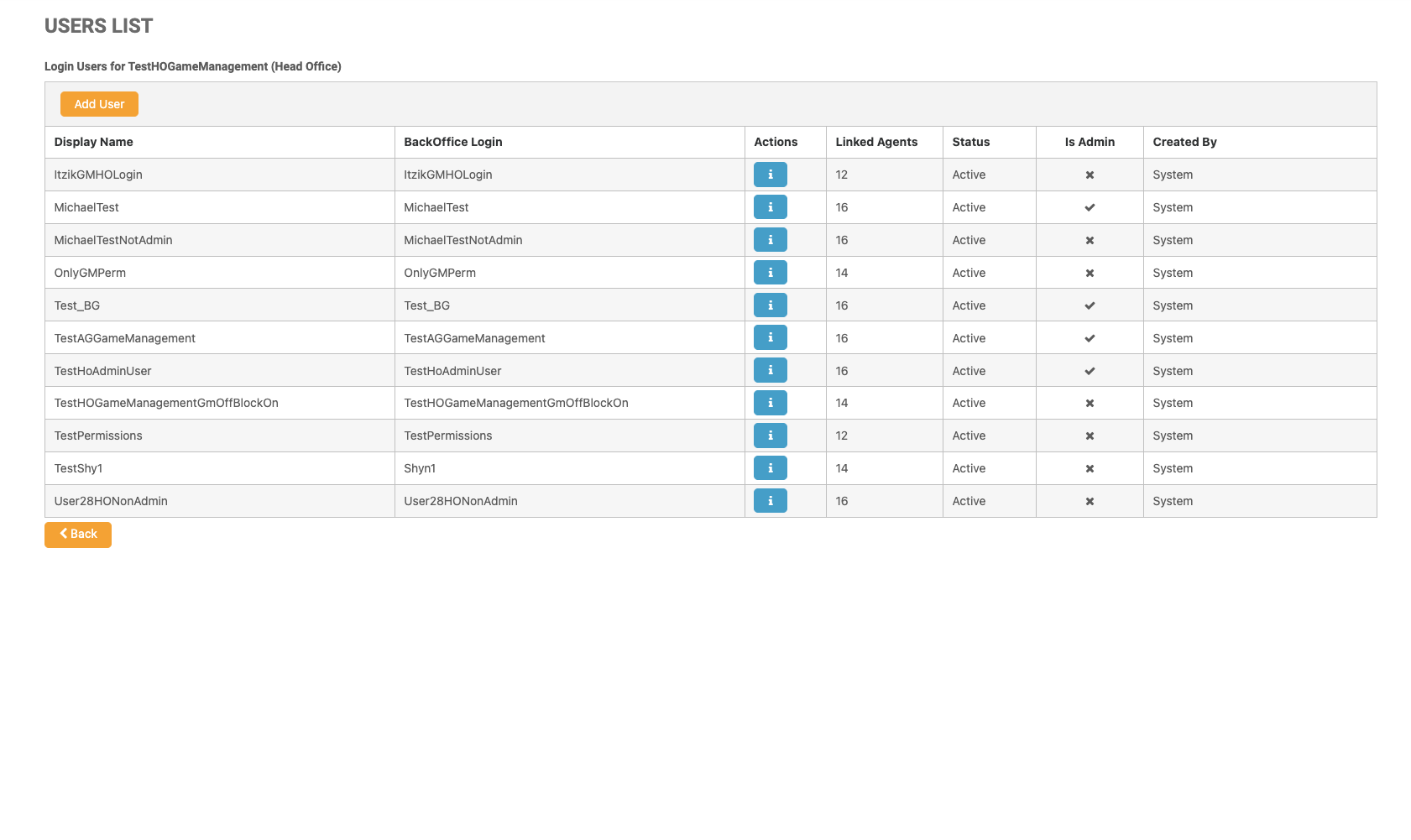
|
The Add User button is only visible to users with the permission to add and edit users - for more information, see Creating a New Entity.
|
Column Name |
Description |
|---|---|
|
Display Name |
The display name of the user. |
|
Actions |
The i icon leads to the users information page. |
|
BackOffice Login |
The login name of the user. |
|
Linked Agents |
The number of agents the user has in their network permissions. |
|
Status |
The status of the user. |
|
Is Admin |
Indication if the user has been set as an administrator. |
|
Created By |
Display name of the users creator. |
Learn more about managing your users:
-
Adding a New User This article covers how to create a new user.
-
Editing a Users Information This article covers how to view and edit an user’s information and configure their permissions.