Free Games is a promotional tool designed to incentivize and retain players at operators' casinos while effectively marketing specific games to them.
This feature allows players to enjoy a designated number of complimentary rounds in specific slot games, based on the parameters defined by the operator.
Free Games can be accessed by clicking the gaming controller icon in the menu.
See the articles below to learn more about managing your Free Game offers:
-
Batch Jobs The Batch Jobs page under Free Games enables users to easily monitor batch assignment and cancellation, providing visibility of players that have been successfully assigned and any errors encountered during the batch jobs. Users can also cancel assigned batch jobs directly from this page and review cancelled jobs.
On the Offer List page under Free Games, users have the ability to access and view a comprehensive list of free game offers that have been configured.
Free Games Glossary
Instance Status
Types of instance statuses:
-
Assigned
-
Assigning
-
Assign Failed
-
Cancelled
-
Cancelling
-
Cancel Failed
-
Expired
-
Fully Consumed
-
Player Rejected
|
Scenario |
Instance Status |
Remarks |
|---|---|---|
|
The offer is assigned to a player, resulting in an instance being created. |
Assigned |
|
|
The offer is currently in the process of being assigned to a player. An instance has not yet been created in this scenario. |
Assigning |
|
|
An instance cannot be assigned due to an API error (assignment will be possible once the API issue is resolved). In this scenario, no instance has not been assigned. |
Assign Failed |
|
|
An instance is cancelled by the operator. |
Cancelled |
|
|
The instance is in the process of being cancelled. |
Cancelling |
|
|
An instance cannot be cancelled due to cancellation API error (cancellation is possible once the cancellation API issue is resolved). |
Cancel Failed |
|
|
The player did not finish playing all the rounds within the validity period. |
Expired |
|
|
The player has used up all the rounds assigned to them. |
Fully Consumed |
|
|
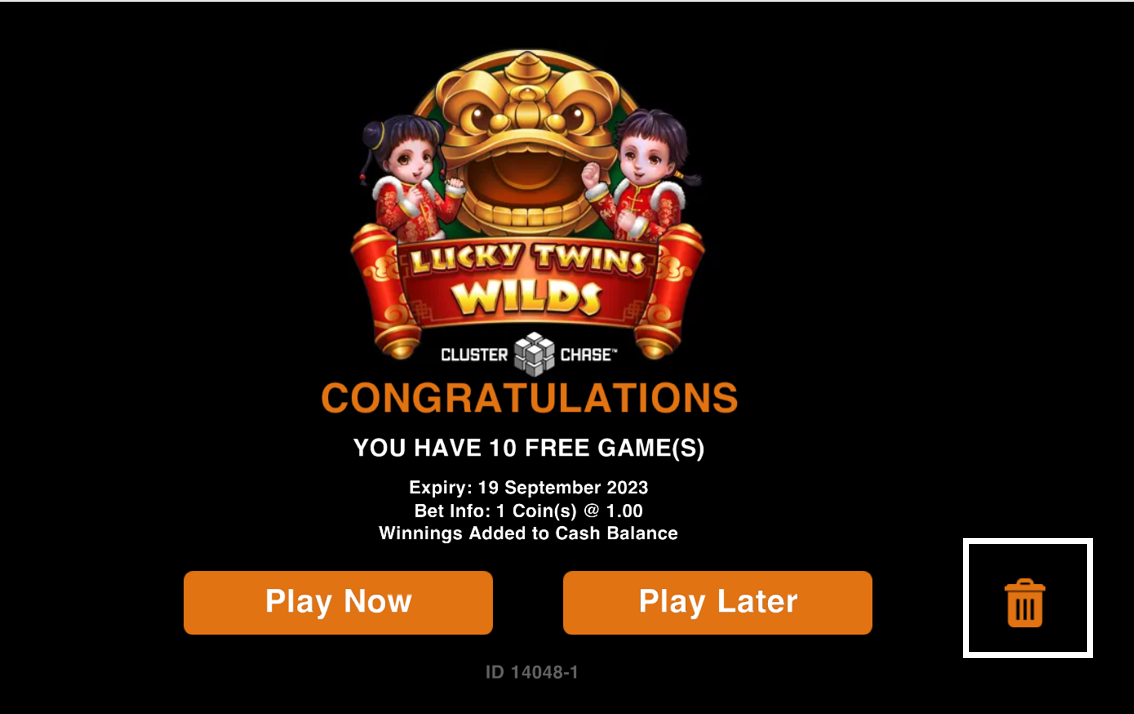
The player clicks the rubbish bin icon. |
Player Rejected |
|
Only Assigned and Player Rejected instances can be changed to other statuses.
Assigned → change to Cancelled
Player Rejected → change to Assigned (if within the validity period).
Dates
|
Term |
Definition |
|---|---|
|
Offer Period |
The period that the operator can assign a free game offer to players. |
|
Validity Period |
The number of days that the player can access the free game offer. |
|
Availability Period |
The exact time period designated by the operator in which the player can play the free games. |
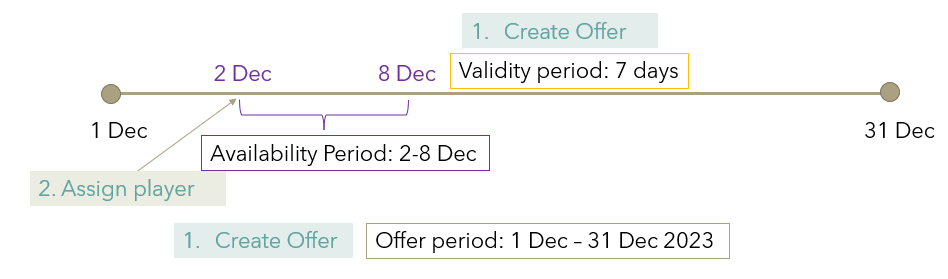
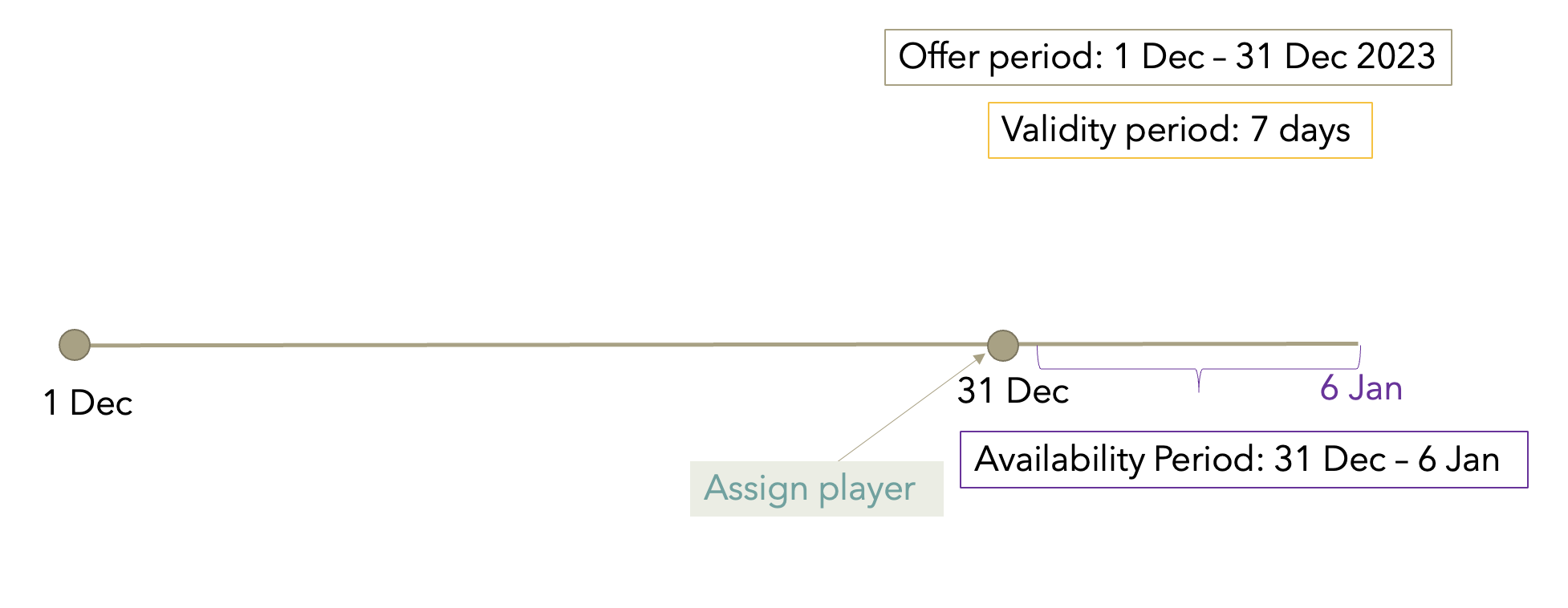
Players can be assigned to an offer up to and including the last day of the offer period. For example, if a player is assigned to the offer on December 31, the availability period will be set from December 31 - January 6 per the validity period of 7 days.