
The purpose of the Bet Profiles Management feature is to allow business entities to view the list of bet profiles they have.

|
Bet Profiles Management Permission
The user must have the Bet Profiles Management permission enabled to access the Bet Profiles Management page.
To enable users to assign bet profiles in bulk, ensure that the Assign Bet Profile to Players permission is enabled.
To enable Bet Profiles Management, refer to the Editing an Entities Information article.
Bet Profiles Management
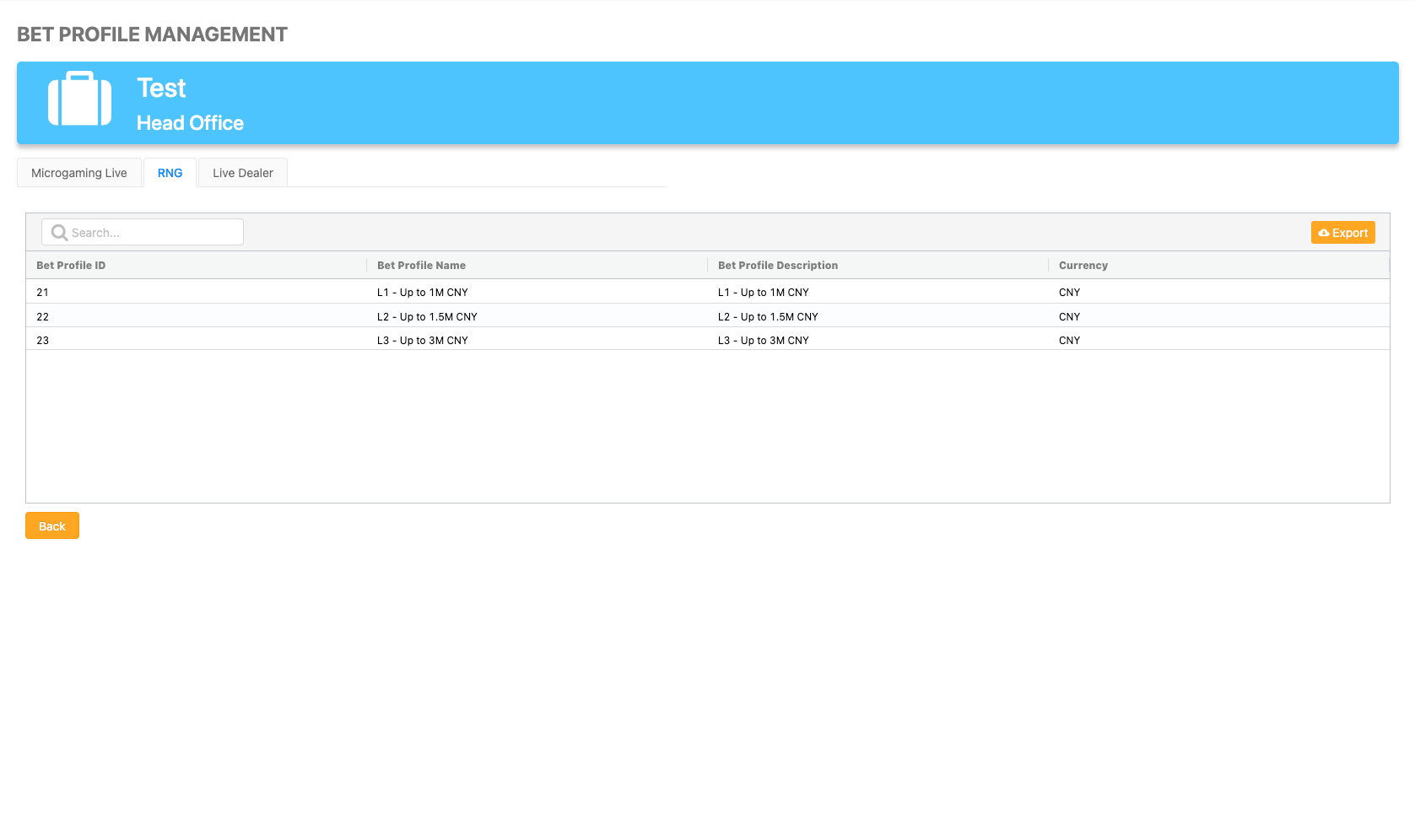
The Bet Profiles Management page displays a list of bet profiles assigned to the entity, divided into tabs. You can use the search box to find specific profiles, which will return all lines containing the characters.
|
Assign All of an Agent’s Players to a Specific Bet Profile
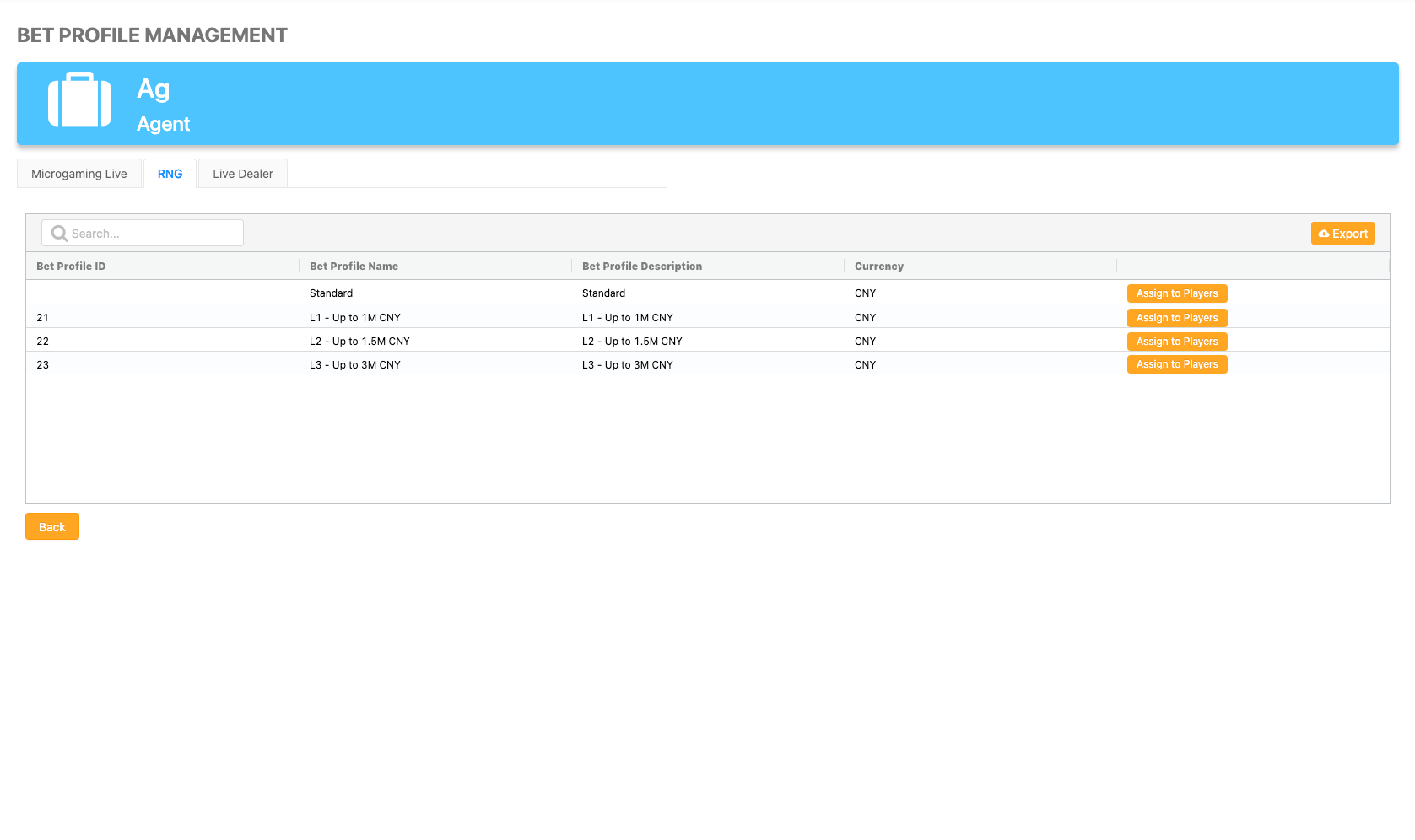
Users can easily transfer all players associated with an Agent to a designated bet profile by clicking the Assign to Players button located next to the specific bet profile.
This functionality is available only at the Agent entity level, not for Master Agent or Head Office entity levels.
To assign a bet profile to all of an Agent’s players, follow these steps:
-
Click the Bet Profiles Management icon on the corresponding Agent row within the Users Management page.
-
Go to the specific bet profile tab.
-
Click the Assign to Players button on the relevant bet profile row.
-
Click Save.
|
Exporting the Betting Profiles Management Report
Users can download the Betting Profiles Management report and open it in Excel by clicking the Export button.