
This article provides instructions on how to close an offer.
The user can close an offer by clicking the Close Offer action icon. This icon is available in two locations: on the offer’s row in the Offer List page, and in the offer info section of the Offer Details page.
Depending on the user’s permission level, one of two modals will appear when closing an offer:
-
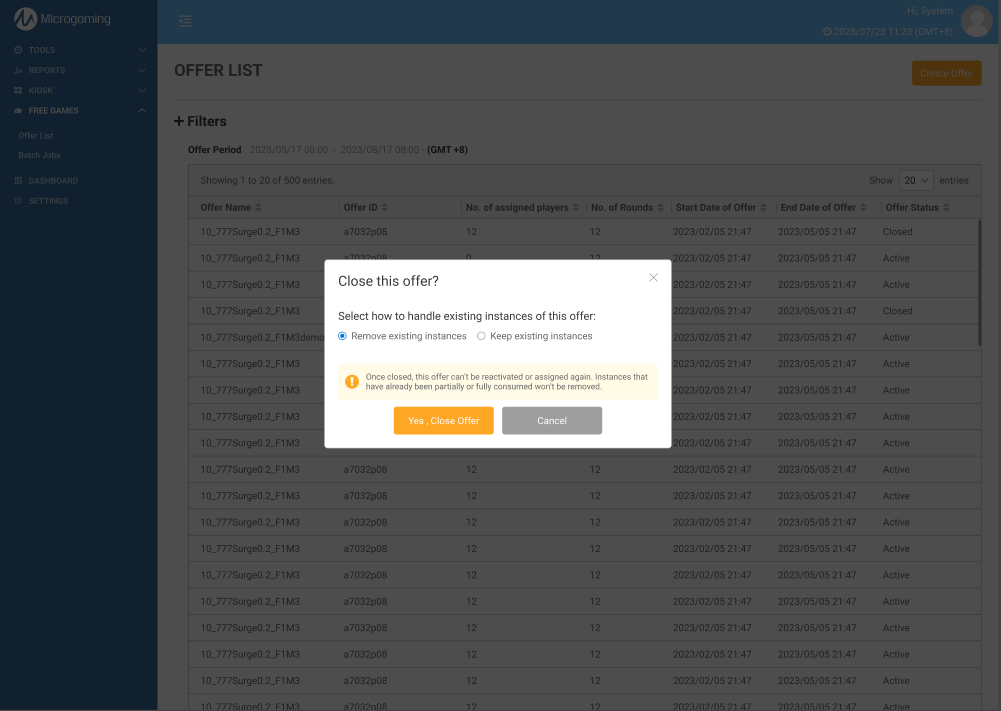
If the user has the “Cancel Instances and Batch Jobs” permission:
The user can choose whether to keep or remove existing instances of the offer when closing it. Instances that have been partially or fully consumed will not be affected. -
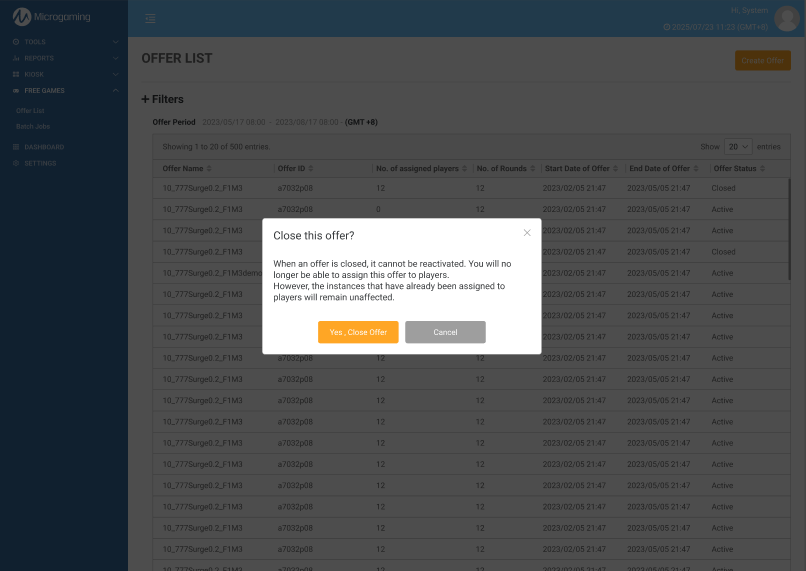
If the user does not have the “Cancel Instances and Batch Jobs” permission:
The user will be asked to confirm the offer closure directly.
Once the user confirms the offer closure, they will be redirected to the Offer List page, where the offer status will update to Closed.
|