Sign In Credentials
The following URL can be used to access MG+ BackOffice
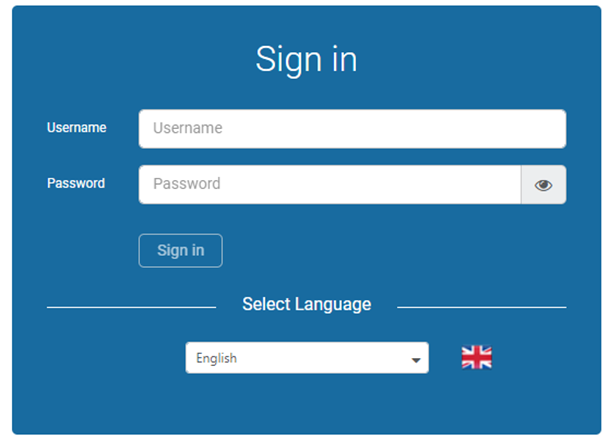
On the Sign In page, users will be prompted to enter their login credentials. Usernames and passwords can be generated by network administrators, account managers, or by MG+ support. When signing in for the first time, please use the username and password provided by your Account Manager or by MG+ support.
Select Language
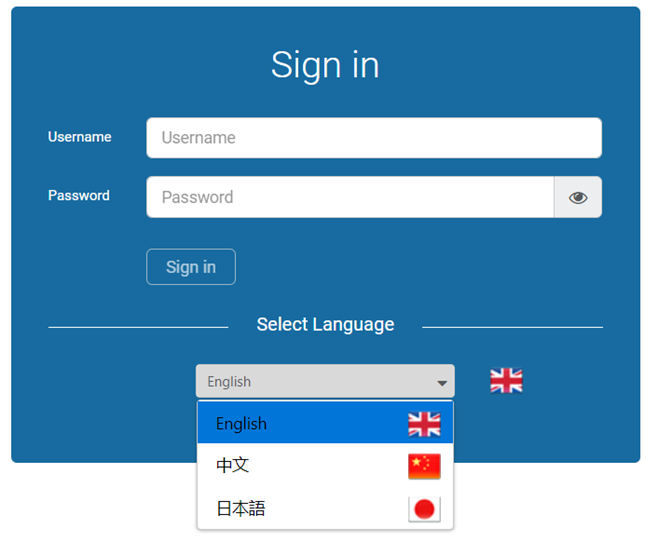
Users can change the platform's language by selecting it from the drop-down menu.
MG+ Backoffice currently supports English, Simplified Chinese, and Japanese languages.
The language preference will be stored on cookies per device rather than per user.
View Password
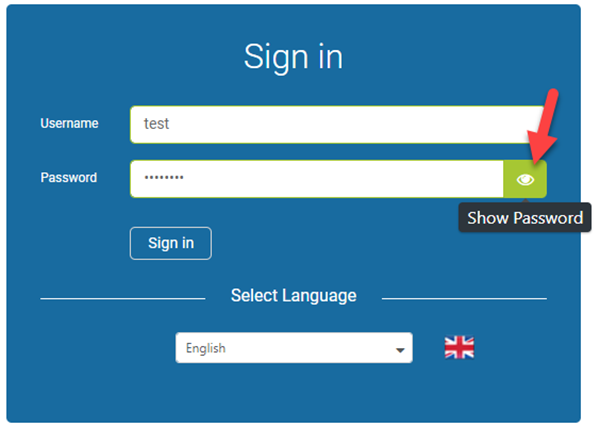
Clicking on the Show Password icon allows the user to view the text in the Password field. The password will remain visible as long as the icon is clicked and the mouse cursor has not been moved.
Change Password
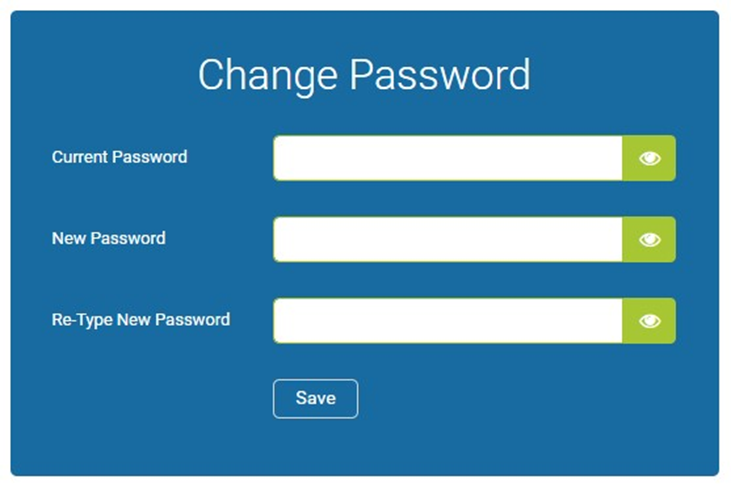
After the initial login, users are required to change their password. The password must be 8-30 characters and contain at least one digit, one uppercase letter, one lowercase letter, and one of these special characters: ! @ # $ % ^ & *