
This article covers how to view and edit an user’s information and configure their permissions.
Logged-in users with the permission to add and edit users can access the Users List page and edit users by clicking the i icon under Actions. Users with Edit All Network permissions enabled will be able to do the edit all users in their network.
Users without the ability to Add/Edit users will view this screen’s information as disabled.

|
Info
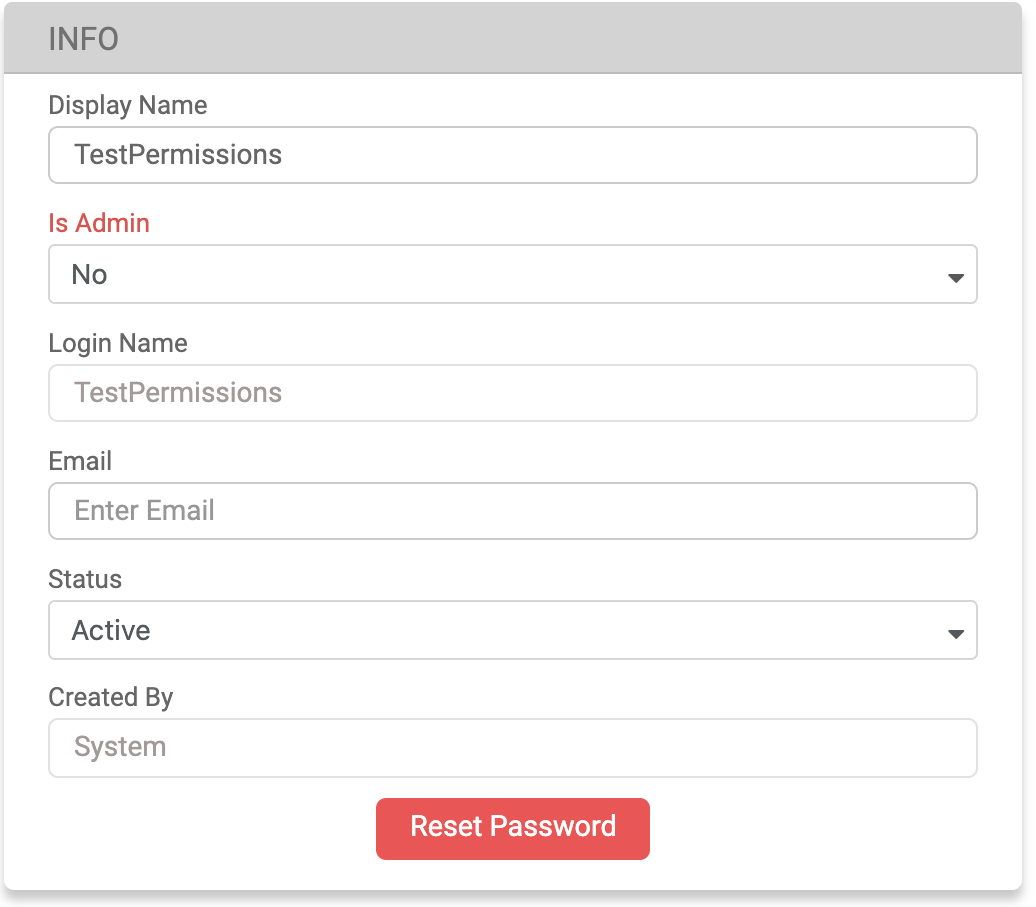
|
Column Name |
Description |
|---|---|
|
Display Name |
The display name must be alphanumeric (A-Z, 0-9), may include an underscore (_) or hyphen (-), and have a maximum of 50 characters. Additionally, it must be unique across the entire network. |
|
Is Admin |
Can only be changed by Admin users. |
|
|
The email address of the user. |
|
Status |
The user's status can be either Active or Not Active. |
|
Reset Password |
By clicking on the Reset Password button, users can reset the user’s password. A new password will be created by the system and the old password will no longer be valid. |
Entity Info
This information is only for display purposes and will be disabled for editing. The data shown includes: the name of the Entity Owner and the currency of the Entity.
Permissions
Checkboxes can be enabled to allow users to have access to certain pages. An Admin level user is required to grant entity-related permissions.
Network Permissions
All shared network permissions that the logged in user and the user being configured have can be edited.