
For more information regarding Tournaments, please refer to the MG Tournament documentation.
Tournament Eligibility
Determines if a user can view tournament-related content.
-
If a player is not eligible for tournaments, then the player will not be able to view the tournament icon on the navigation menu and access the tournament page.
-
If a player is eligible for tournaments, then the player will be able to view the tournament icon on the navigation menu and access the tournament page.
Tournament Status
The tournament website will behave and display differently based on the tournament’s status.
-
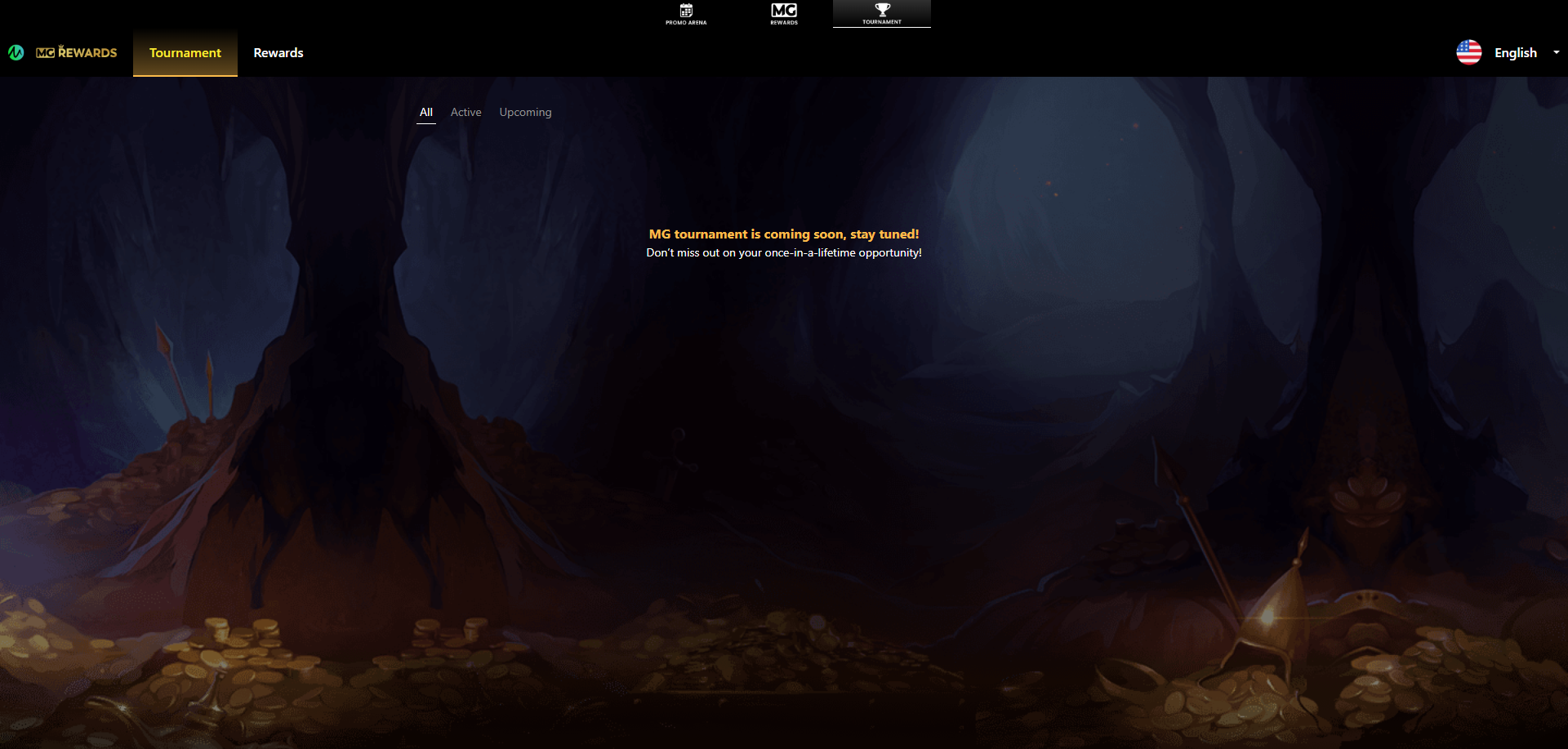
If there is no active tournament, then a coming soon page will display when the player clicks on the tournament link in the navigation bar.
-
The tournament banner will also be hidden on the lobby page if there is no active tournament.
-
-
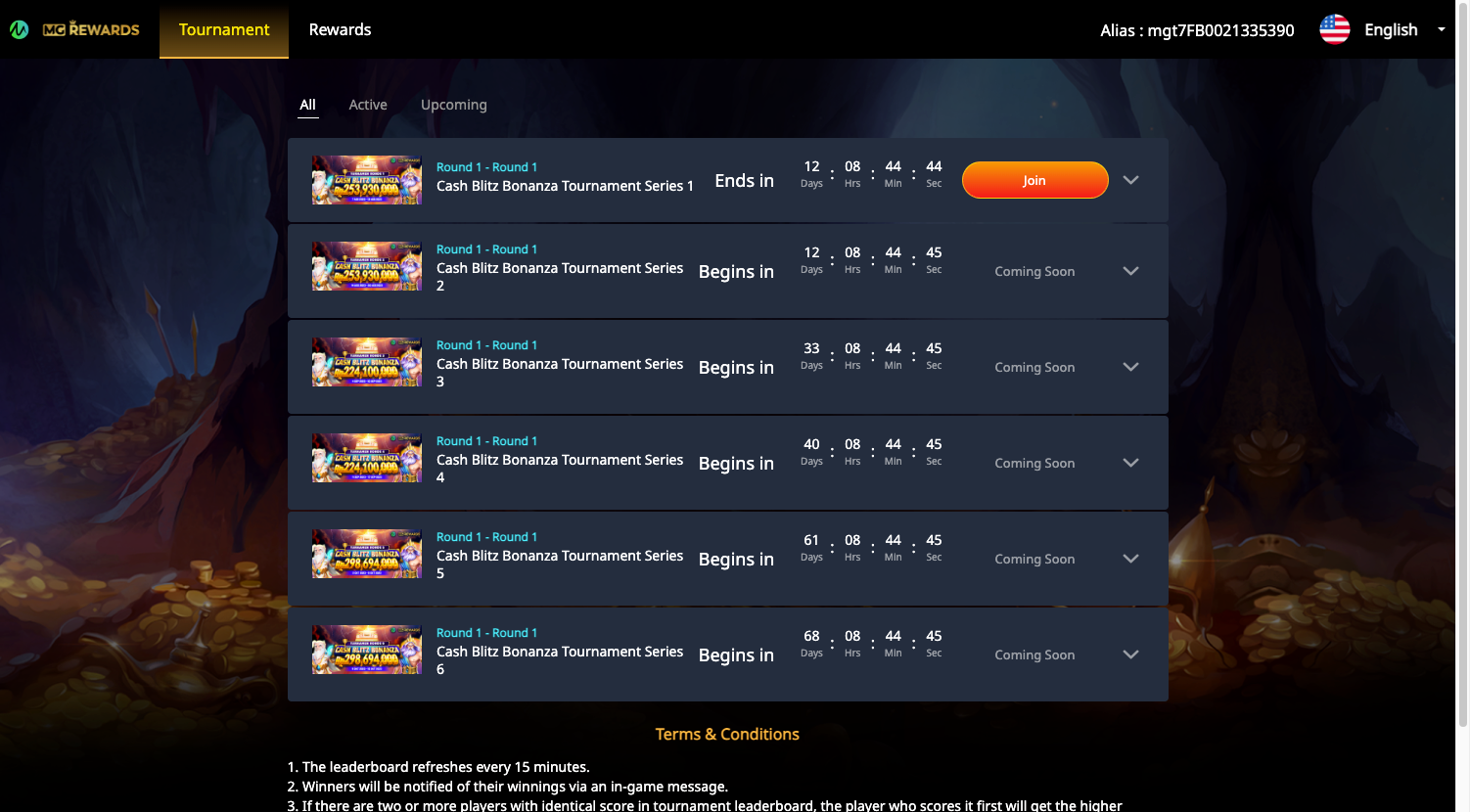
If a tournament is active, then when a player clicks on the tournament link in the navigation bar it will open the tournament site in a new tab.
Red Dot
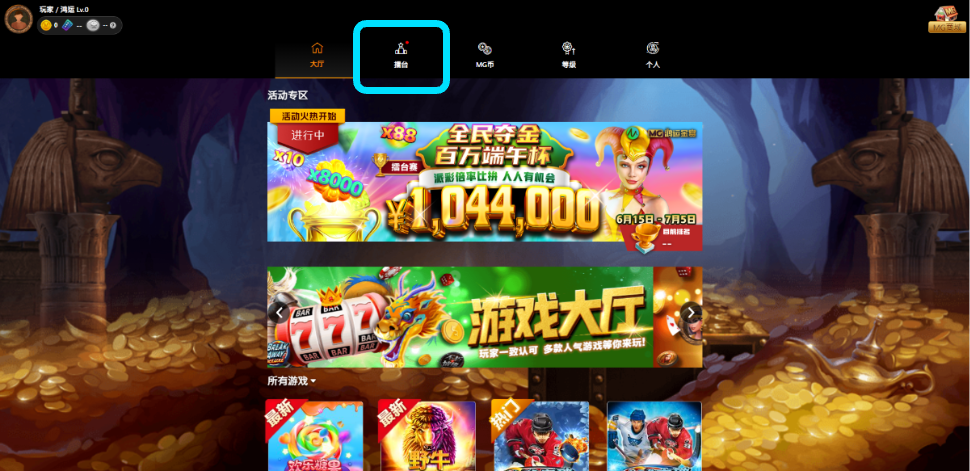
When a tournament starts, a red dot will be displayed alongside the tournament link in the navigation bar. This red dot will indicate the impending launch of the tournament throughout its active period.
.png?cb=0925f2d8786c3e8abca6d8e3c60452b5)
.png?cb=5142109291ea04ed2d1ff3aee96c90e3)