
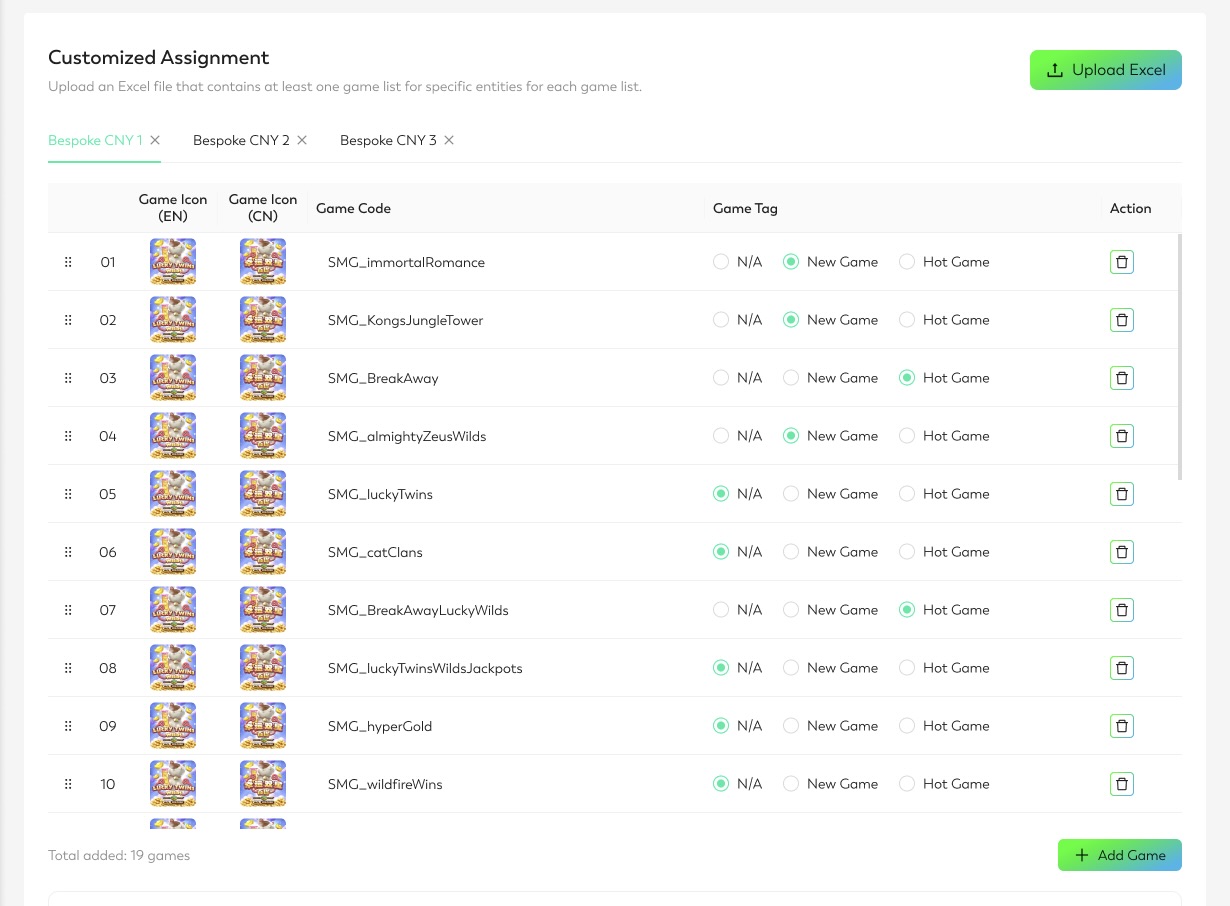
This section allows users to upload one or more game lists for specific entities.
-
Upload an Excel file with game information. The file can contain one or more tabs, with each tab named after a game list. Each tab should include two columns: Game Code and Tag.
-
Example / Template:
-
Download the Excel template Sample_Excel_GAO_Customized.xlsx to see the required structure.
-
-
-
Once uploaded, Game Icon, Game Code, and Game Tag will appear.
-
Edit the list as needed:
-
Click the trash can icon to remove a game.
-
Click Add Game to include a new game.
-