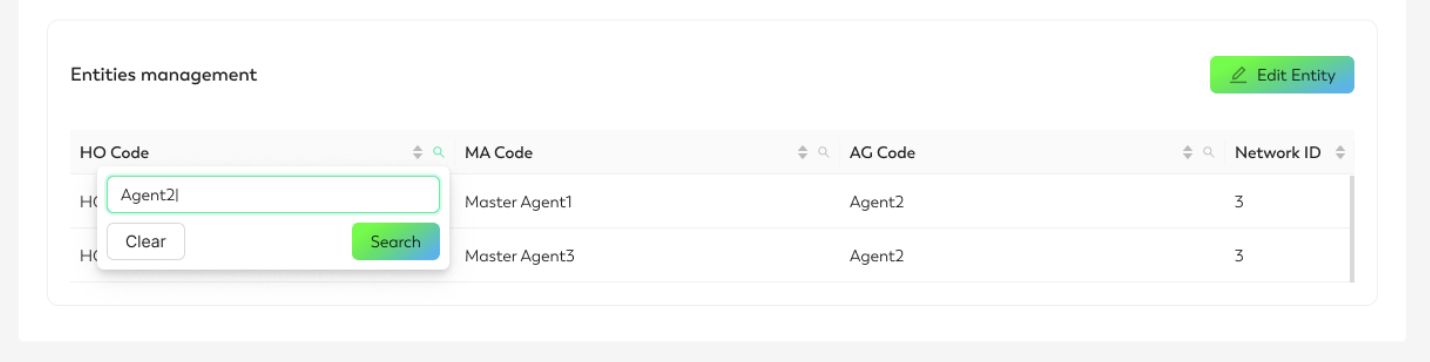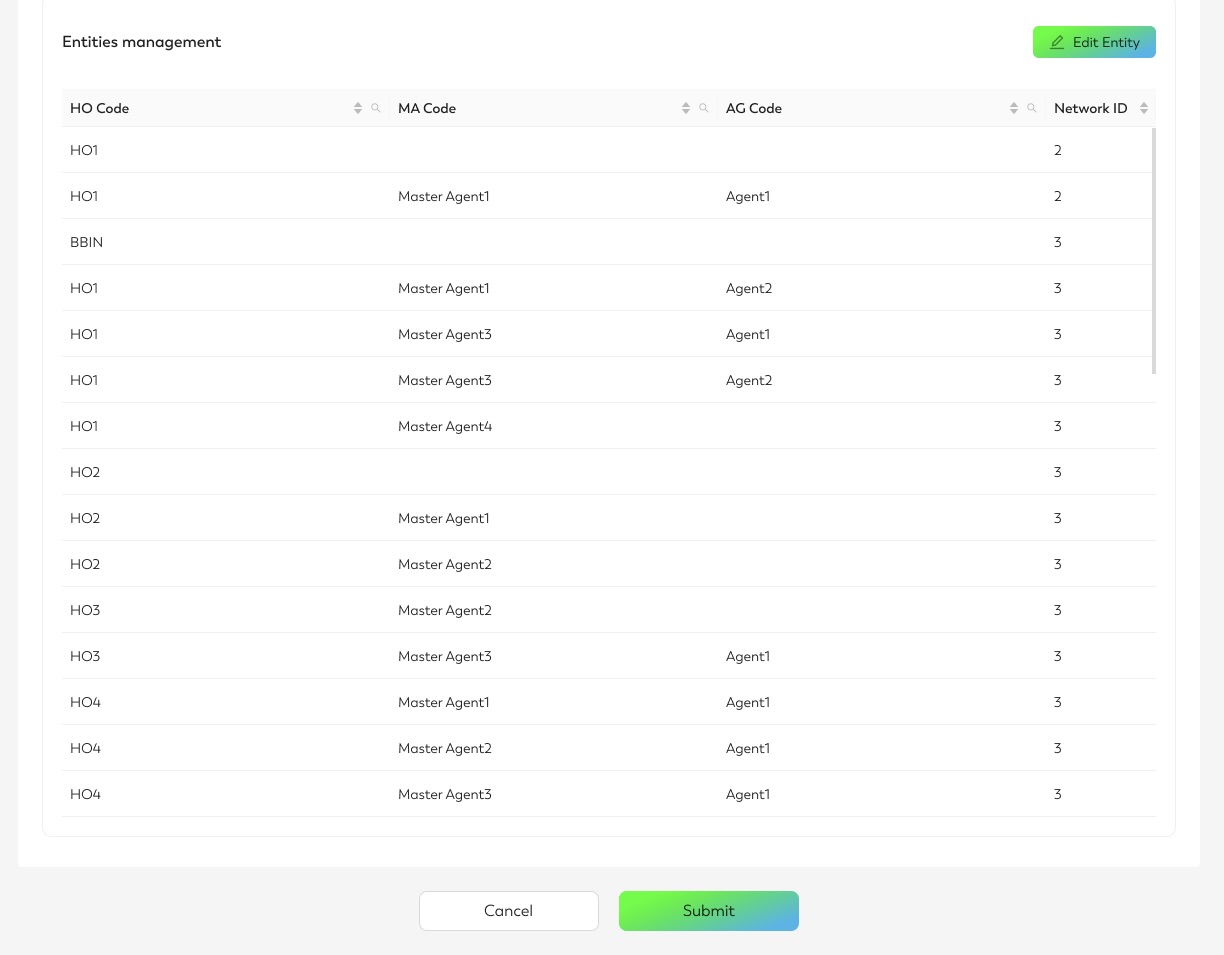
Entities are displayed in a hierarchical tree structure. Click Edit Entity, and use the dropdown menu to assign different entities to the template.
-
Selecting a HO (Head Office) automatically includes all its underlying current and future agents.
-
Selecting a MA (Master Agent) assigns the list to the master agent, and all current and future agents beneath it.
-
Selecting a AG (Agent) assigns the list to only the selected agent under the specified HO.
-
Use the magnifying glass icon to search entities from each column quickly.