
By default, the system prioritizes RTP (Return to Player) in the following order: V92 > V94 > V96. The business team can configure the version preference to control which game version is displayed to players.
Based on this priority:
-
If a player has access to V92, V94, and V96 games, V92 will be shown in the MGW Lobby.
-
If a player has access only to V94 and V96 games, V94 will be shown in the MGW Lobby.
-
If a player has access only to V96 games, V96 will be shown in the MGW Lobby.
If the client is satisfied with the priority order, no entity configuration is needed on this page.
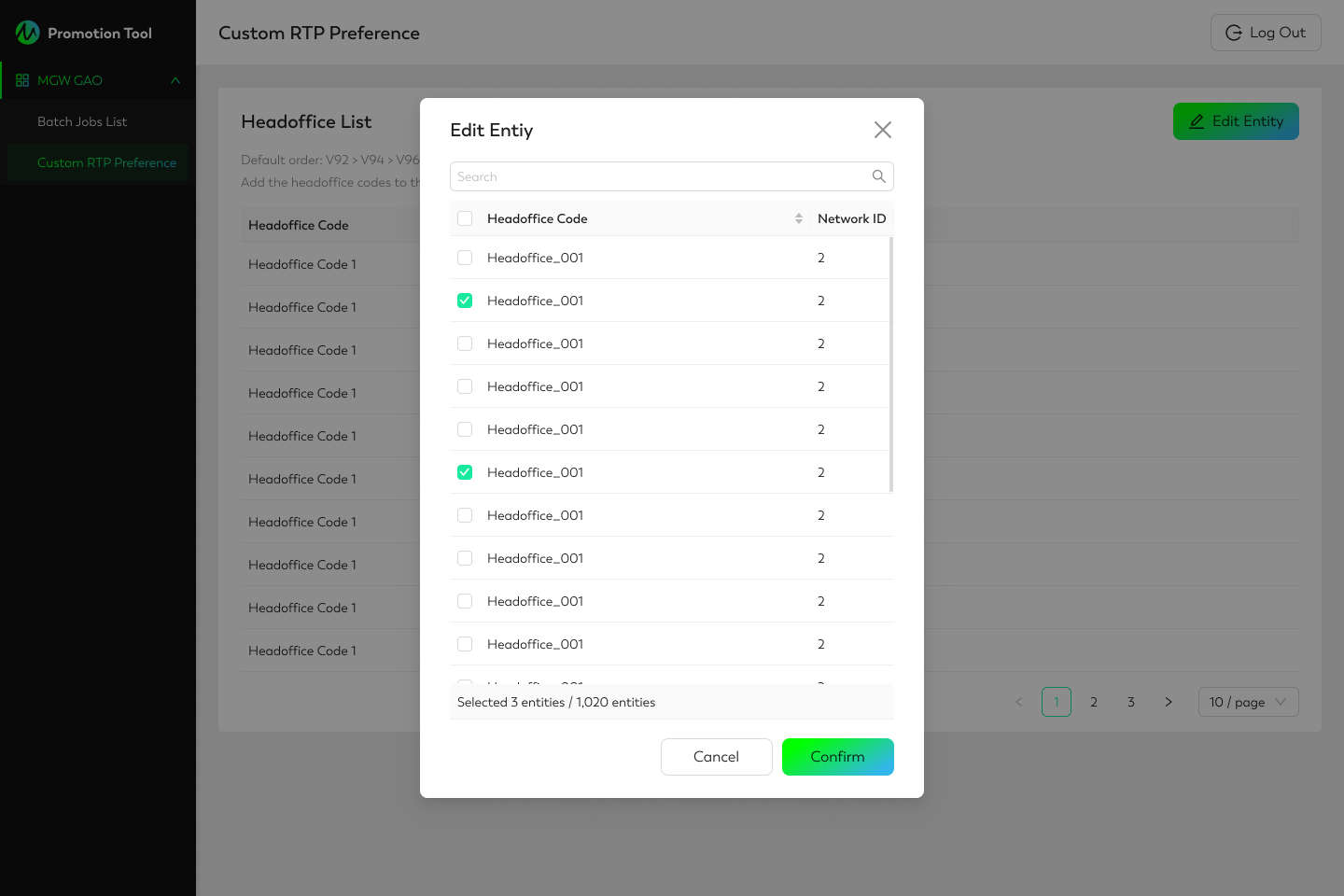
To configure a custom RTP order for Head Offices, such as V94>V92>V96, the business team needs to:
-
Go to the Head Office list.
-
Click Edit Entity.
-
Tick the boxes next to the Head Offices Code to apply a custom RTP order.
-
Click Confirm.