
User Roles
|
Role |
Description |
Creating the Account |
|---|---|---|
|
Super Admin |
|
|
|
Admin |
|
|
|
Internal |
|
Access CMS and login via Okta to create an Internal account. |
|
Streamer |
|
Only Super Admin/Admin level users can create Streamer accounts by using the Role drop-down menu while creating a new user. For more information, refer to the Create a New User page. |
|
Player |
|
Only Super Admin/Admin level users can create Player accounts by using the Role drop-down menu while creating a new user. For more information, refer to the Create a New User page. |
Functionally, Streamer and Player accounts are identical; the differing labels are purely a marketing distinction for easier identification.
Log In Process
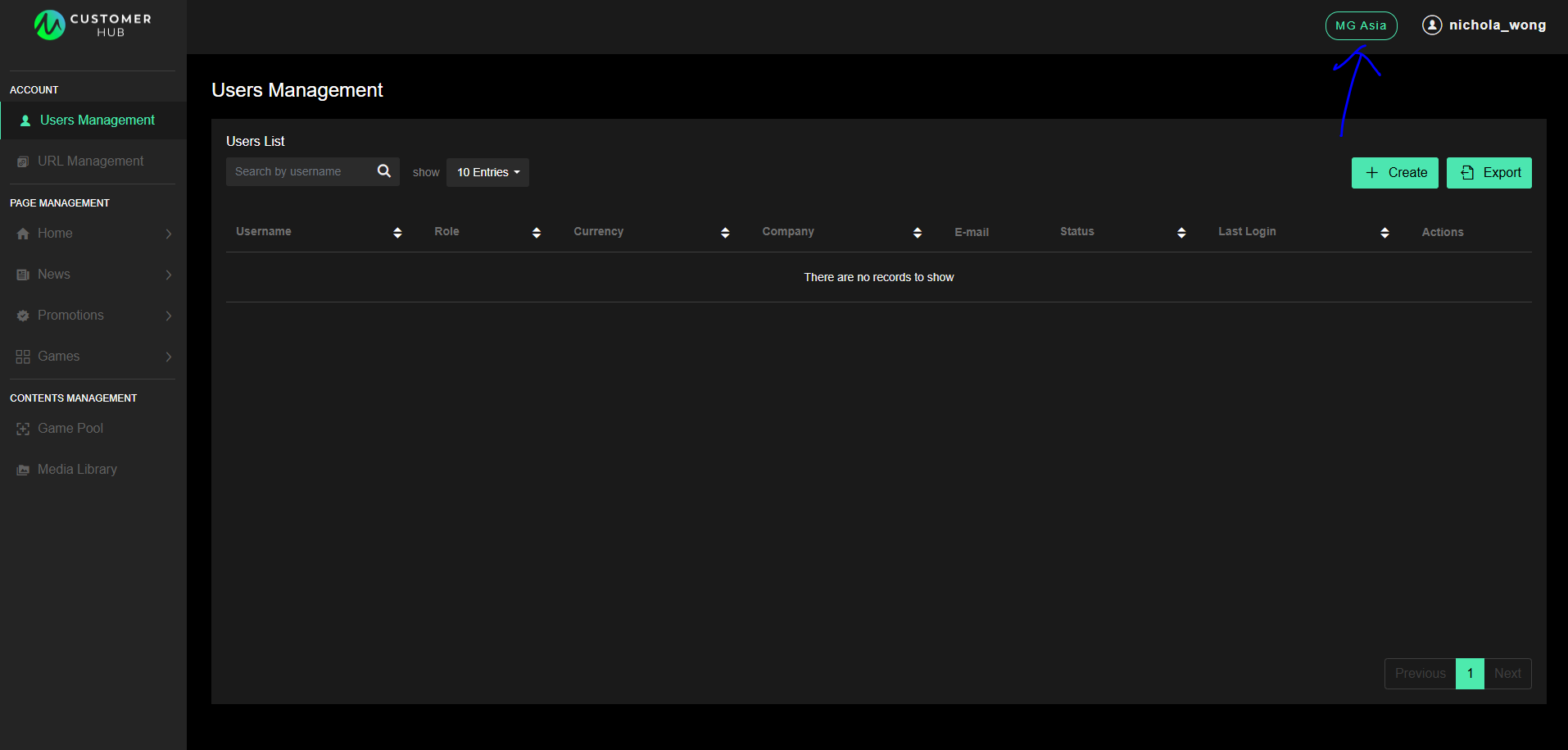
Super Admin, Admin and Internal Users
Log in by clicking the MG Asia / M2Play button in the CMS.
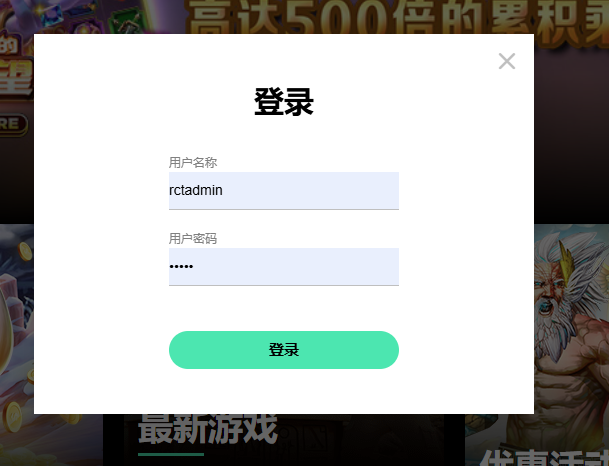
Streamer and Player Users
Log in by going to external site and clicking the silhouette button.

Fill in the login ID and password fields.
The account and password is generated by Super Admins/Admins in the CMS.
User Role Permissions
|
|
Super Admin |
Admin |
Internal |
Streamer |
Player |
|
|---|---|---|---|---|---|---|
|
Internal Site (Customer Hub CMS & M2Play Customer Hub CMS) |
Access Internal Site |
✅ |
✅ |
✅ |
❌ |
❌ |
|
Manage Admin User |
✅ |
✅ |
❌ |
❌ |
❌ |
|
|
Manage Super Admin |
✅ |
❌ |
❌ |
❌ |
❌ |
|
|
Access Users Management Page |
✅ |
✅ |
❌ |
❌ |
❌ |
|
|
Manage Users List |
✅ |
✅ |
❌ |
❌ |
❌ |
|
|
Access URL Management Page (only in customer hub CMS) |
✅ |
✅ |
❌ |
❌ |
❌ |
|
|
Manage Demo Game URLs |
✅ |
✅ |
❌ |
❌ |
❌ |
|
|
Create Demo Game URLs |
✅ |
✅ |
❌ |
❌ |
❌ |
|
|
Home Page |
✅ |
✅ |
✅ |
❌ |
❌ |
|
|
News Page (only in customer hub CMS) |
✅ |
✅ |
✅ |
❌ |
❌ |
|
|
Promotion Page (only in customer hub CMS) |
✅ |
✅ |
✅ |
❌ |
❌ |
|
|
Games Page |
✅ |
✅ |
✅ |
❌ |
❌ |
|
|
Media Library |
✅ |
✅ |
✅ |
❌ |
❌ |
|
|
External Site |
Play Game (On the External Site) |
✅ |
✅ |
✅ |
✅ |
✅ |
|
Download Assets (On the External Site) |
✅ |
✅ |
✅ |
✅ |
✅ |
|