Unique assets are linked to each game, accessible for download from the game's page.
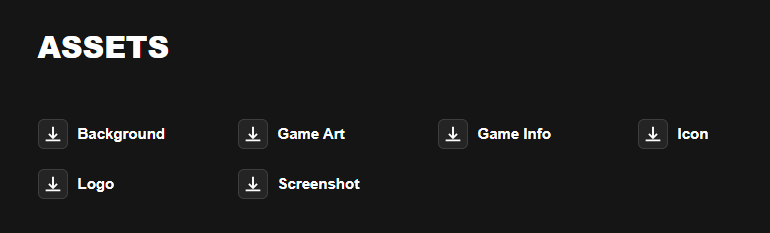
Clicking an asset icon opens a Canto link within an iFrame. For the correct image or document to appear, the marketing team must ensure the asset is assigned appropriately in Canto.
Customer Hub
Upload game assets to the Game Assets or Game Assets - Bespoke Games folders. If they’re not uploaded to either of these two folders, then the API can’t fetch the assets.
M2Play Customer Hub
Upload game assets to the M2Play - Game Assets folder. If they’re not uploaded to the folder, then the API can’t fetch the assets.
-
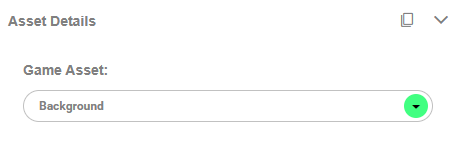
Use the Asset column in the table below to identify the correct Game Asset detail to enter in Canto.
|
Asset |
Game Asset |
|---|---|
|
Background |
Background |
|
Banner |
Banner |
|
Game Art |
Game Art |
|
Game Info |
Game Info |
|
Icon |
Button/Icon |
|
Logo |
Logo |
|
Screenshot |
Screenshot |
|
Video |
Video |
-
Select the correct Game Asset.