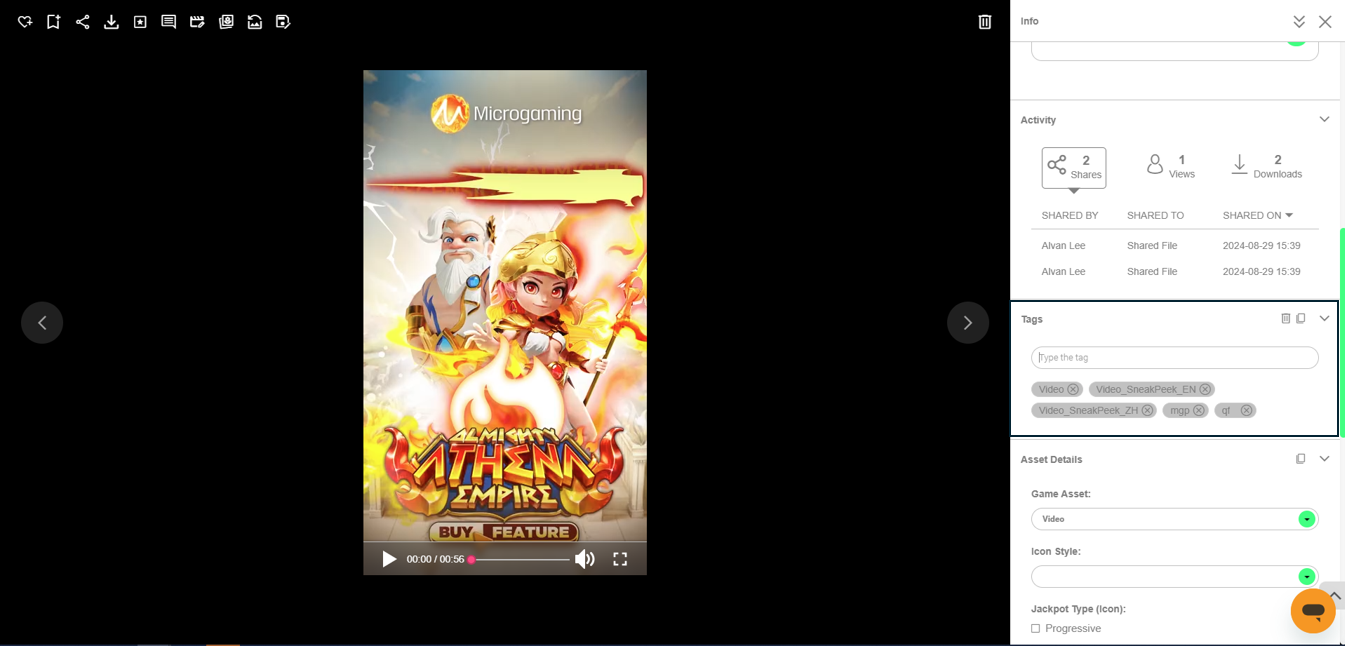
Upload the video to Canto noting the following:
Customer Hub
Upload game assets to the Game Assets or Game Assets - Bespoke Games folders. If they’re not uploaded to either of these two folders, then the API can’t fetch the assets.
M2Play Customer Hub
Upload game assets to the M2Play - Game Assets folder. If they’re not uploaded to the folder, then the API can’t fetch the assets.
-
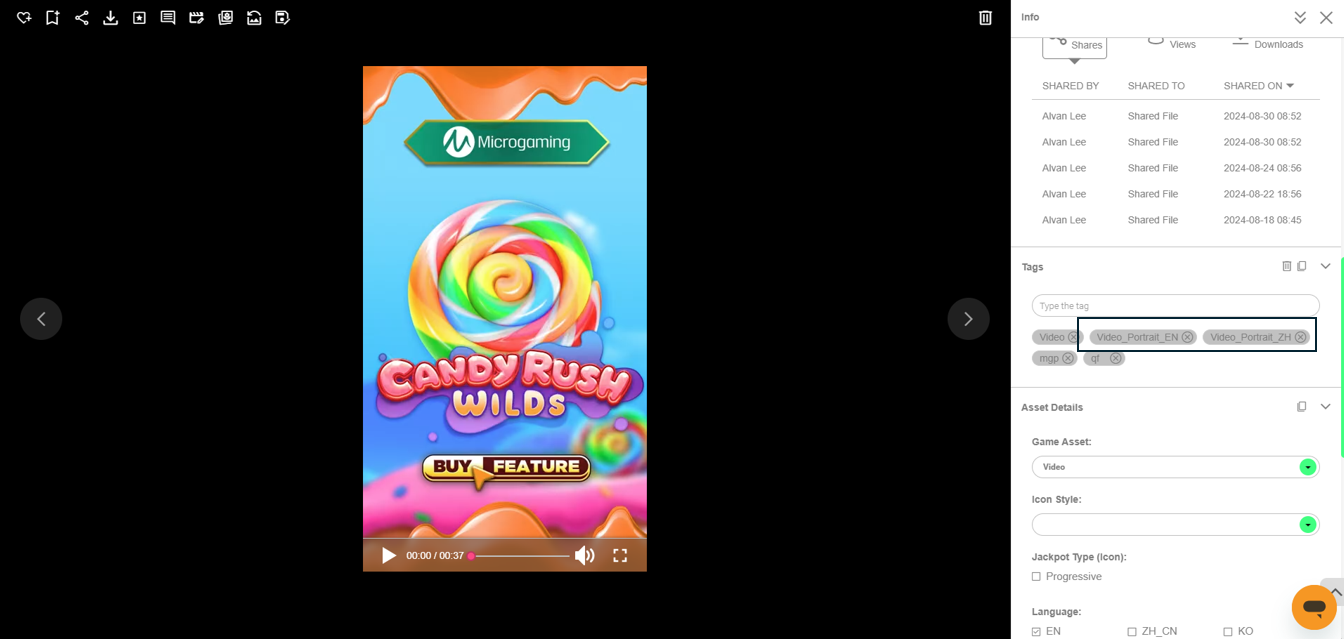
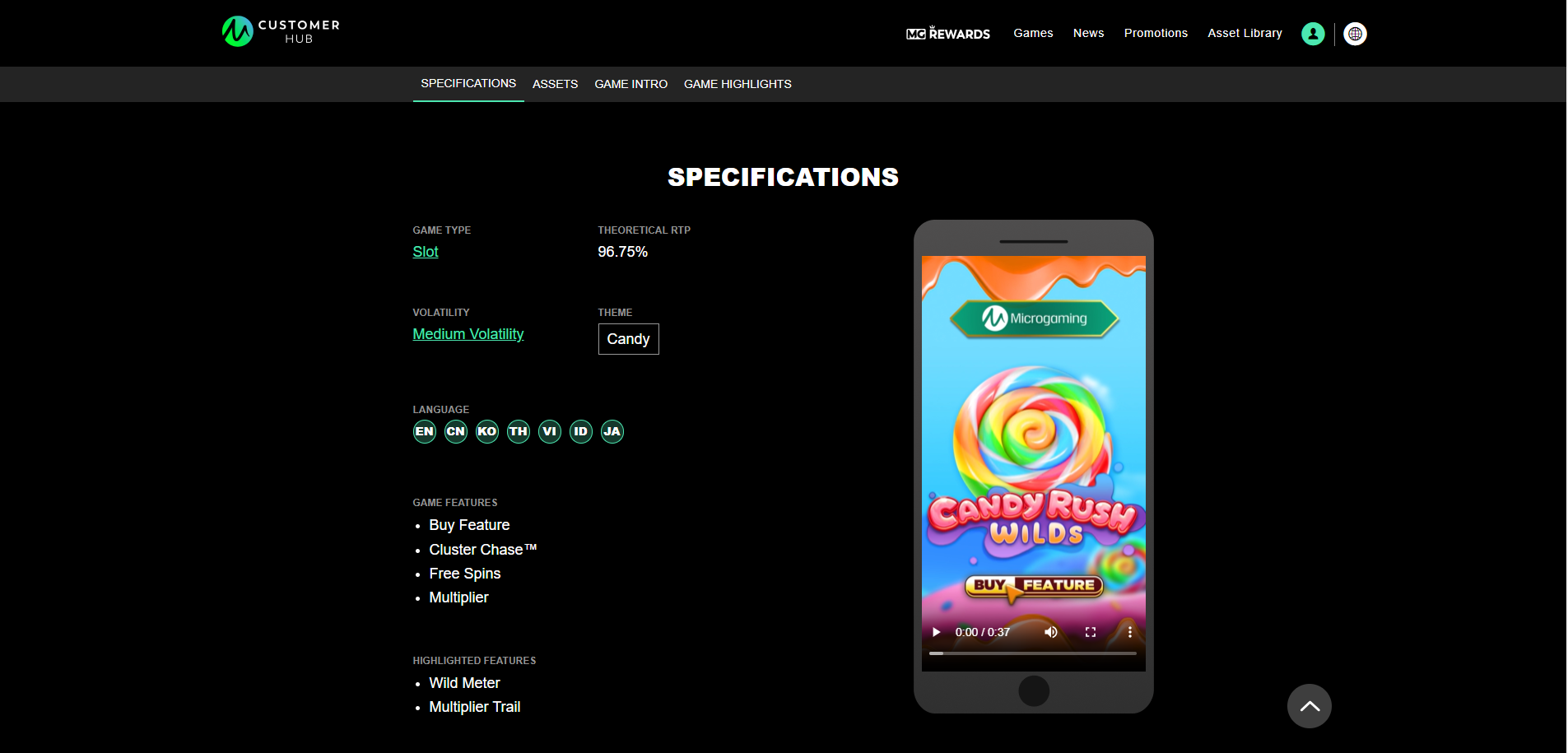
If you add the tags Video_Portrait_EN and Video_Portrait_ZH under the tag settings, the video will be shown in the game’s specifications page in the mgasia.com site.
-
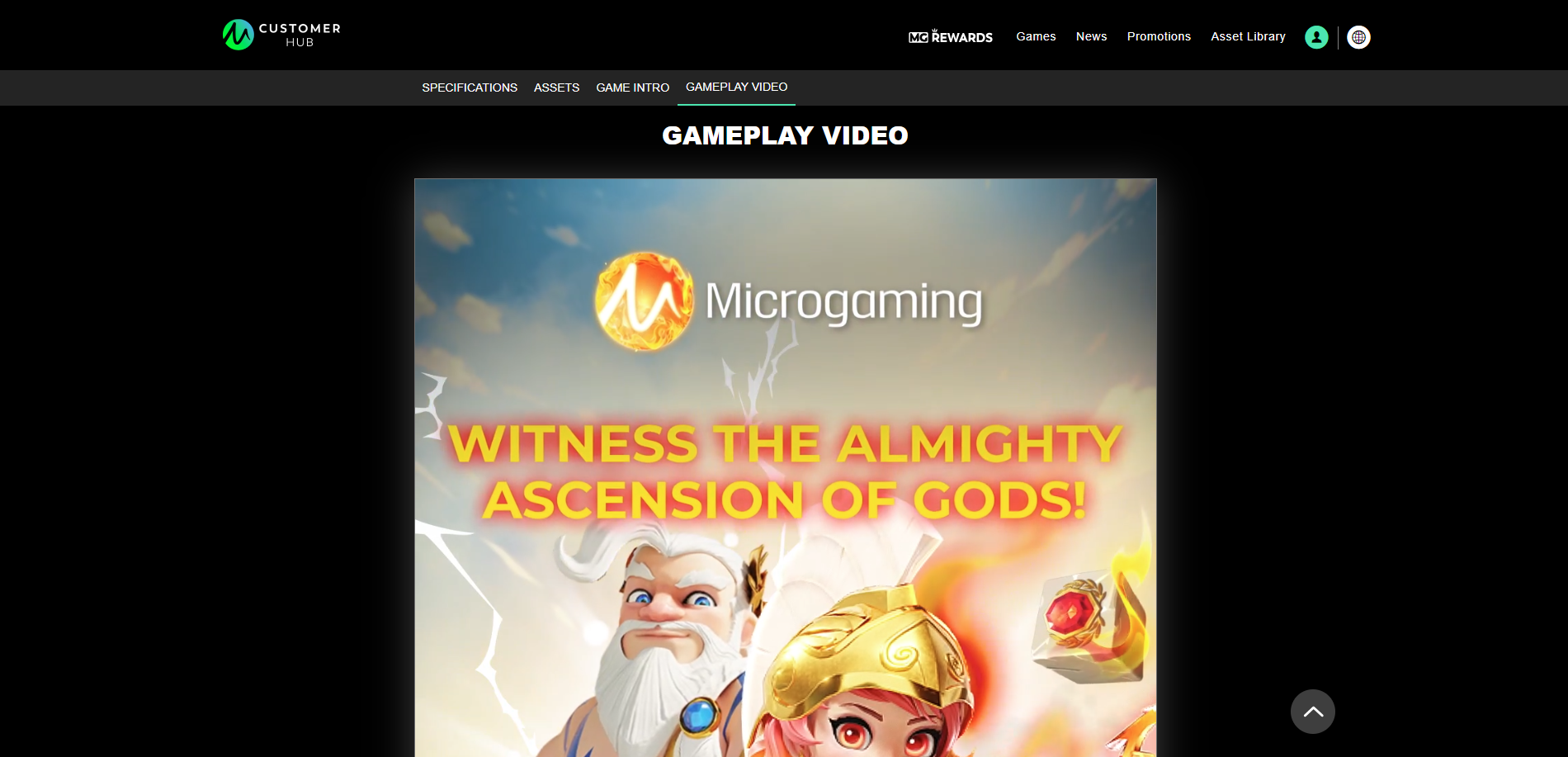
If you don't use the correct tags in Canto, videos on the mgasia.com site will not be formatted correctly and will appear oversized on the Gameplay Video page.