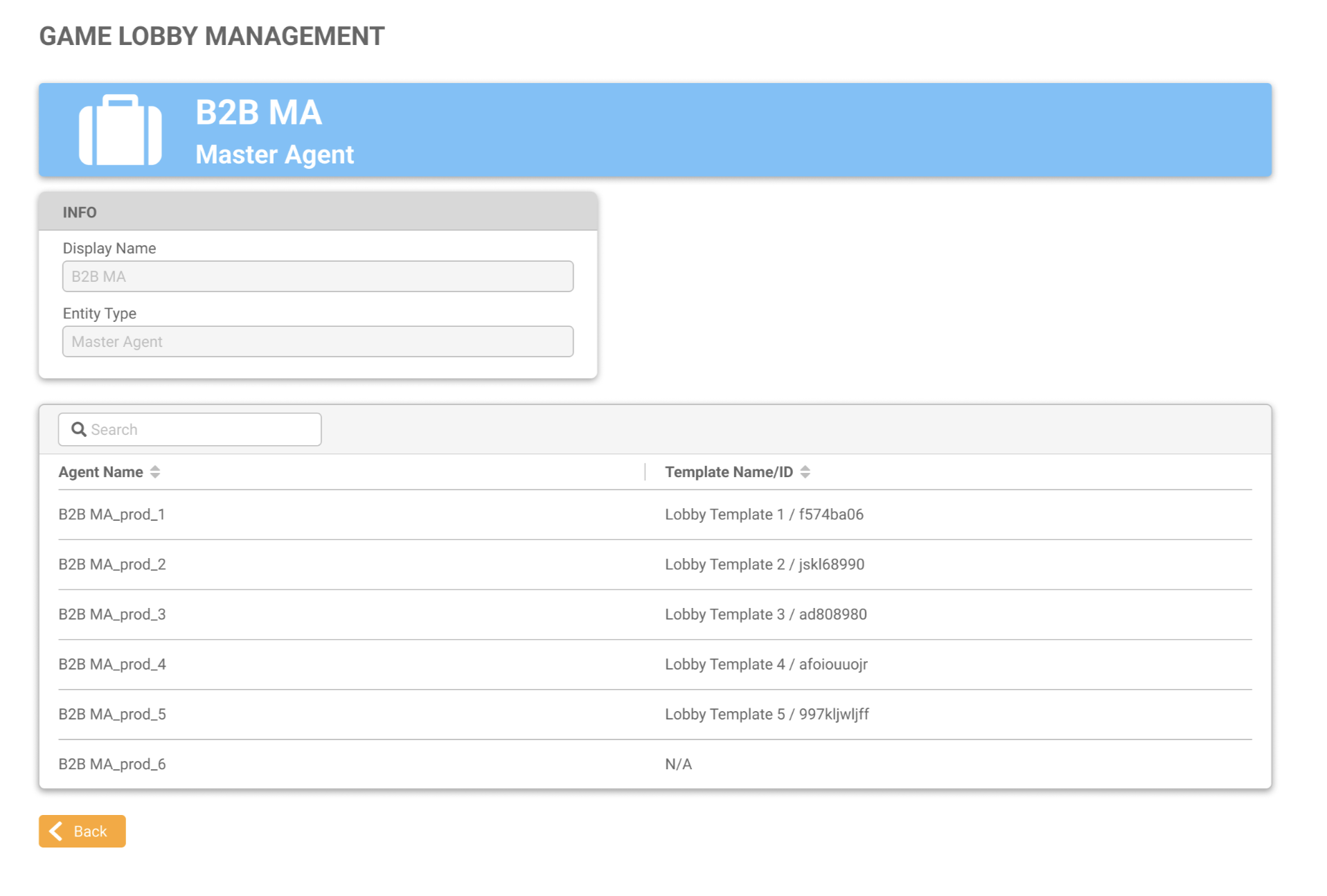
The Template Name/ID will display Not Available (N/A) if the template is not assigned to an Agent.
-
Go to User Management in the MG+ Backoffice.
-
Click the Game Lobby Management button for the relevant Master Agent.
-
The Game Lobby Management page displays the template assigned to the Agents under that Master Agent.