Special Features
-
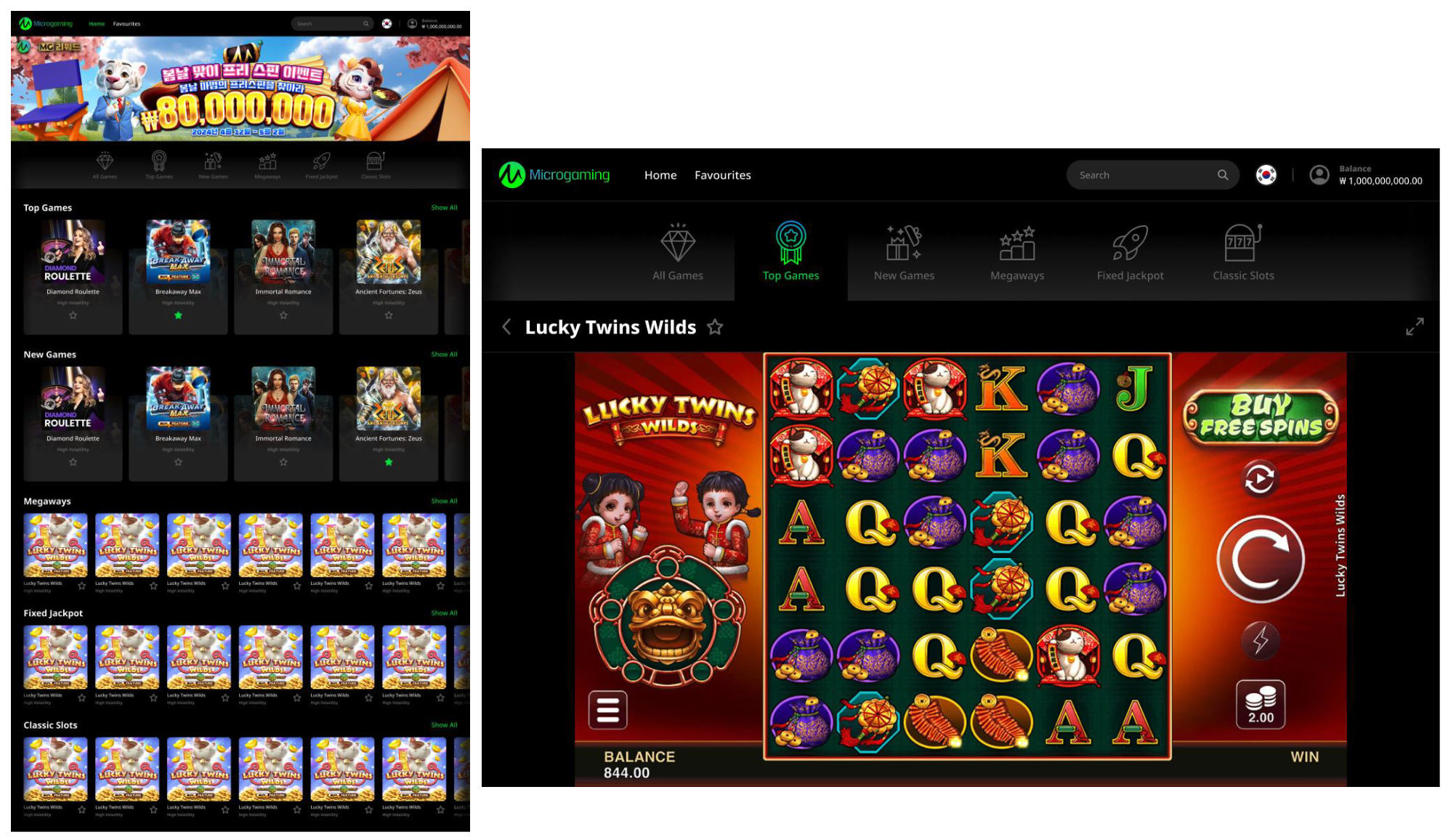
Login: Aurora is a Non-Kiosk template, where users access the lobby via token.
-
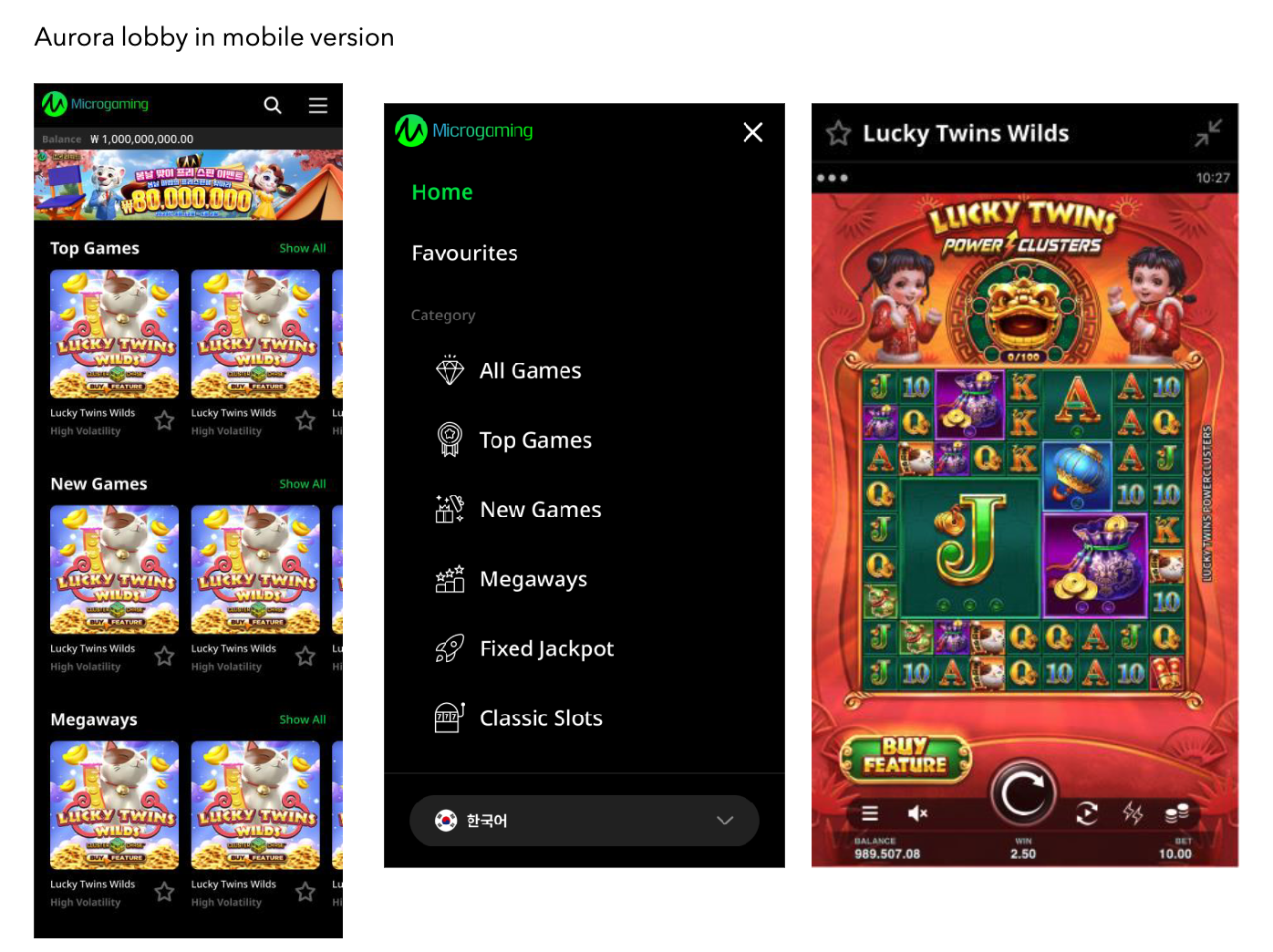
Category Navigation: The category navigation bar is visible near the top of the landing page. On tablet/mobile, it is accessible via a hamburger menu.
-
Categories:
-
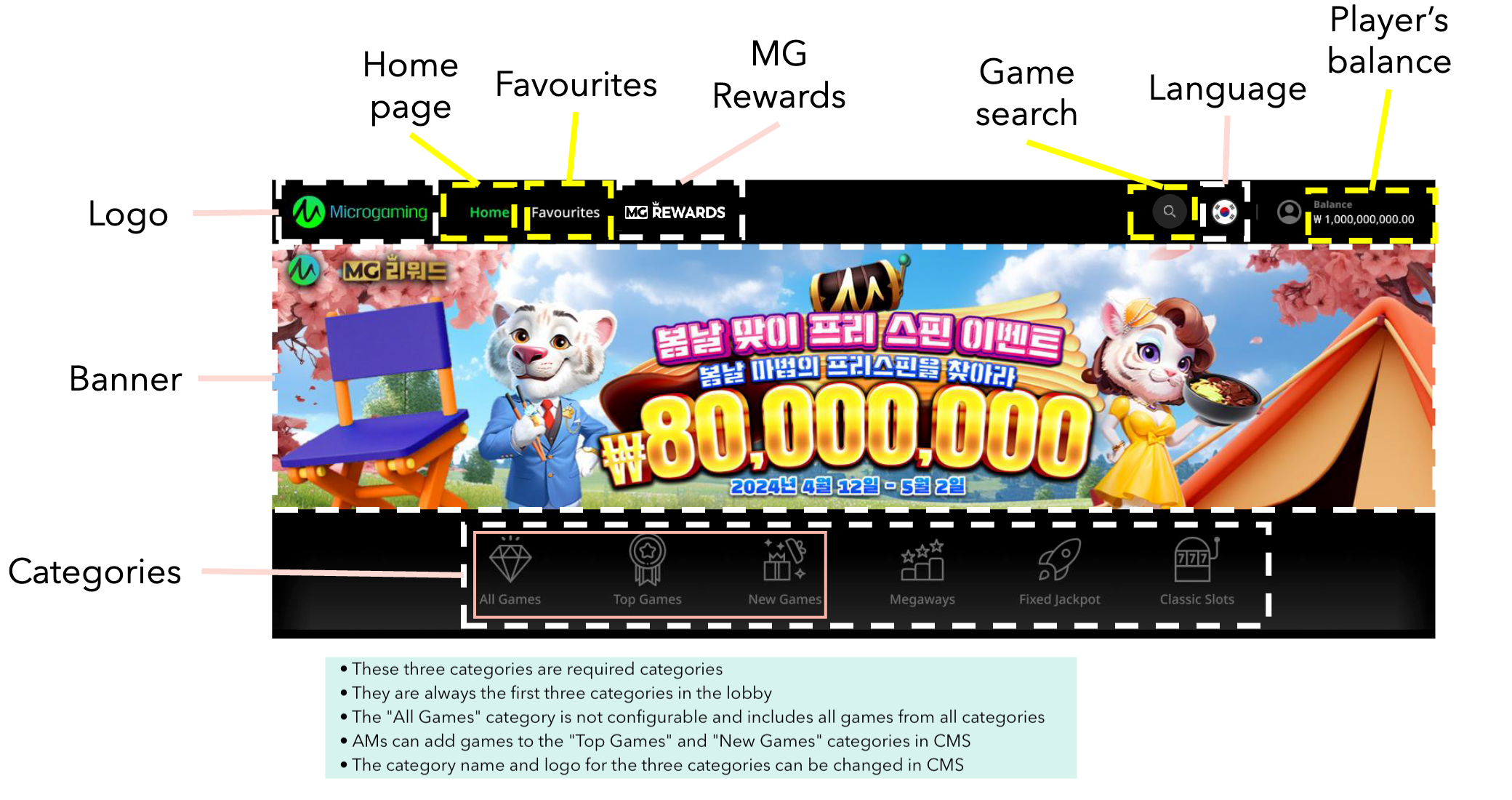
All Games, Top Games, and New Games are required categories and always appear first in the category list.
-
Games from all categories are automatically added to All Games. In the All Games category, Account managers cannot add games or edit the game sequence in this category; games are sorted alphabetically by game code.
-
The sequence of games in Top Games and New Games categories can be arranged in CMS. If no games are added, these categories are hidden in the lob
-
Player-favourited games can be accessed from the banner.
-
-
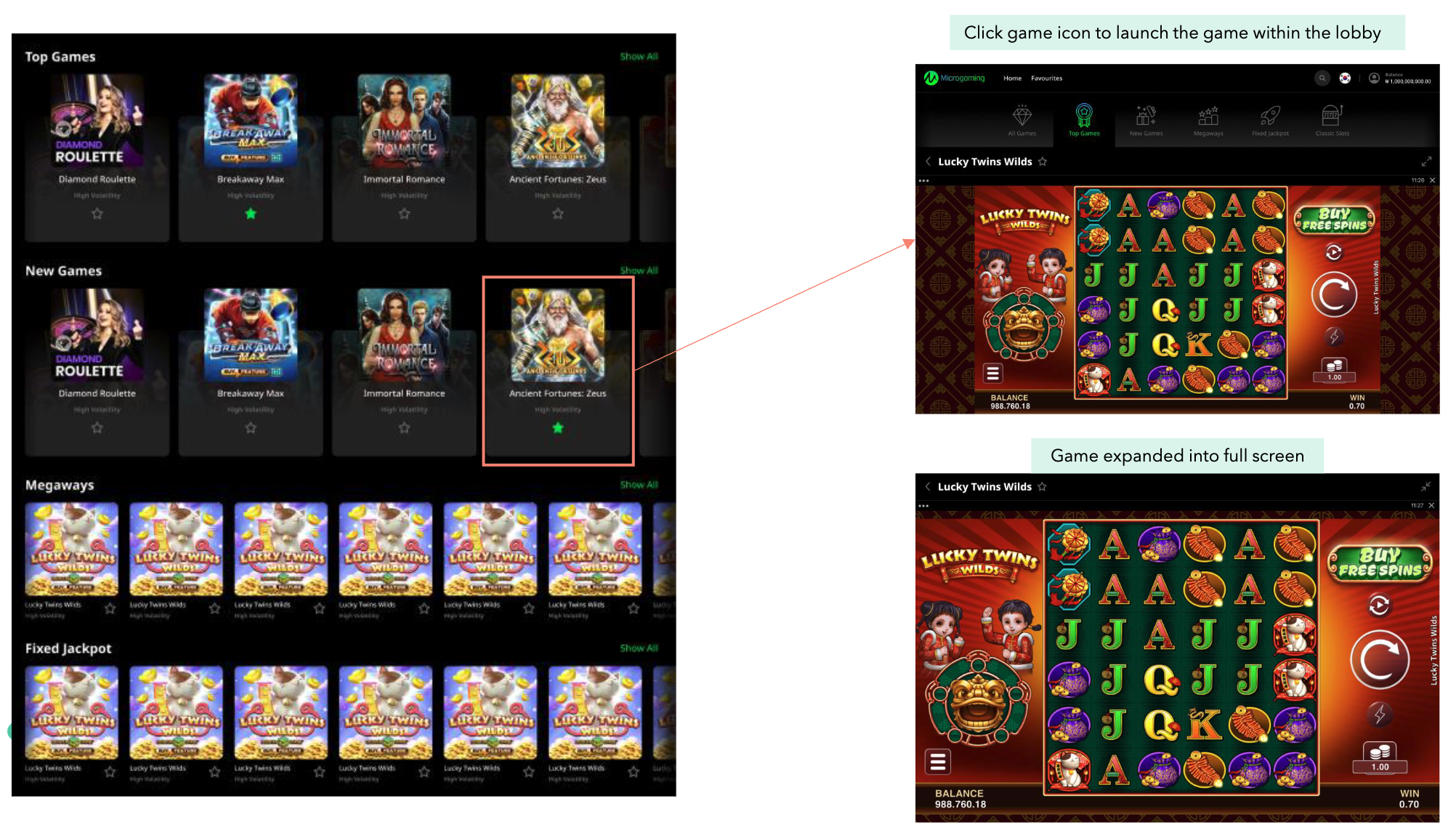
Game Launch: Clicking a game icon launches the game within the lobby.
-
MG Rewards: Clicking the MG Rewards link in the navigation bar directs the user to the MG Rewards page.
-
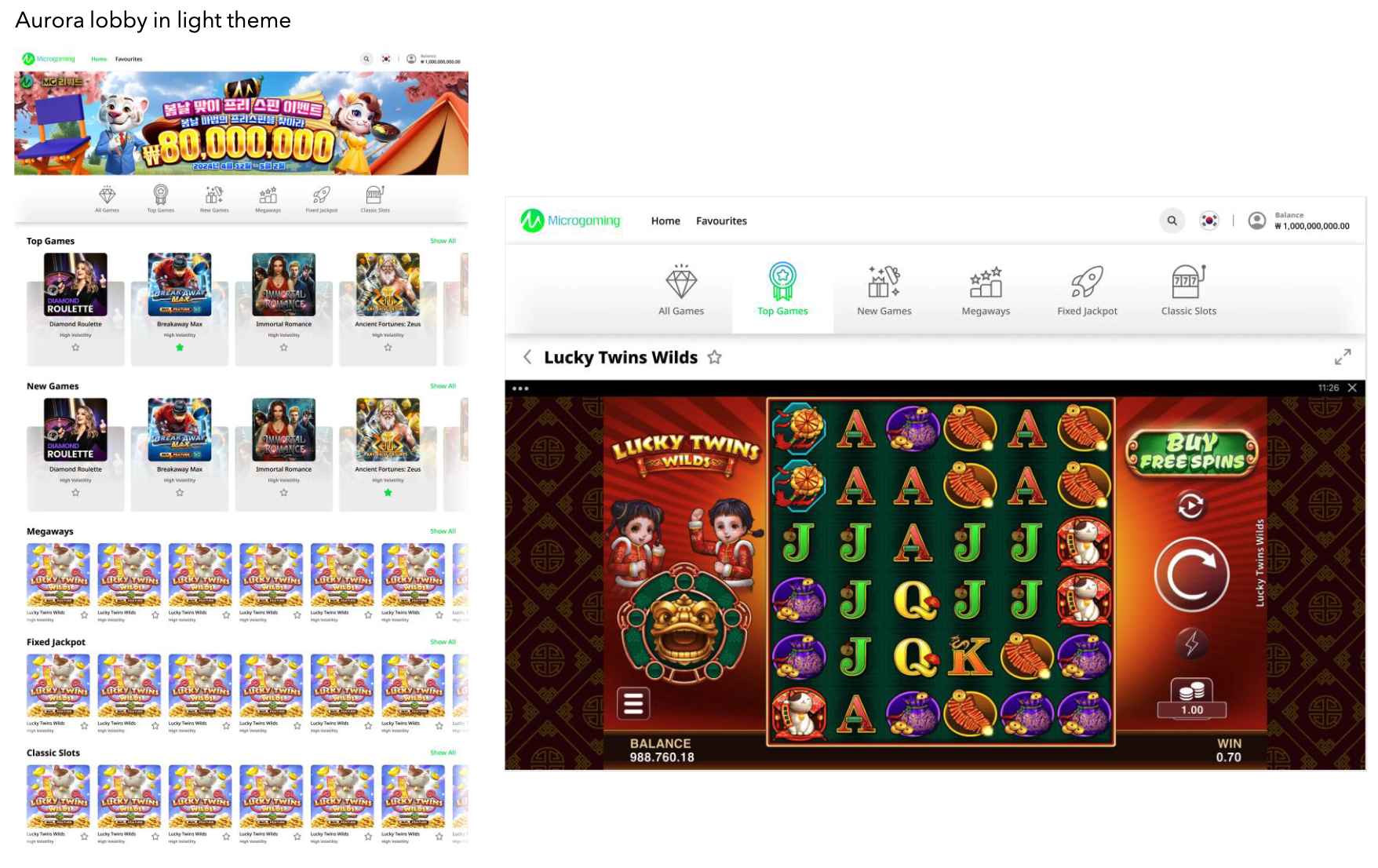
Themes: Supports both dark and light themes.
-
Banners: Displays up to 10loopbanners with arrowbuttonstocycle through them.
Configuration
-
White Border: Configurable features using Lobby CMS.
-
Yellow Border: Non-configurable features.
Game Launch Behaviour
Dark/Light Theme and Dimension Examples