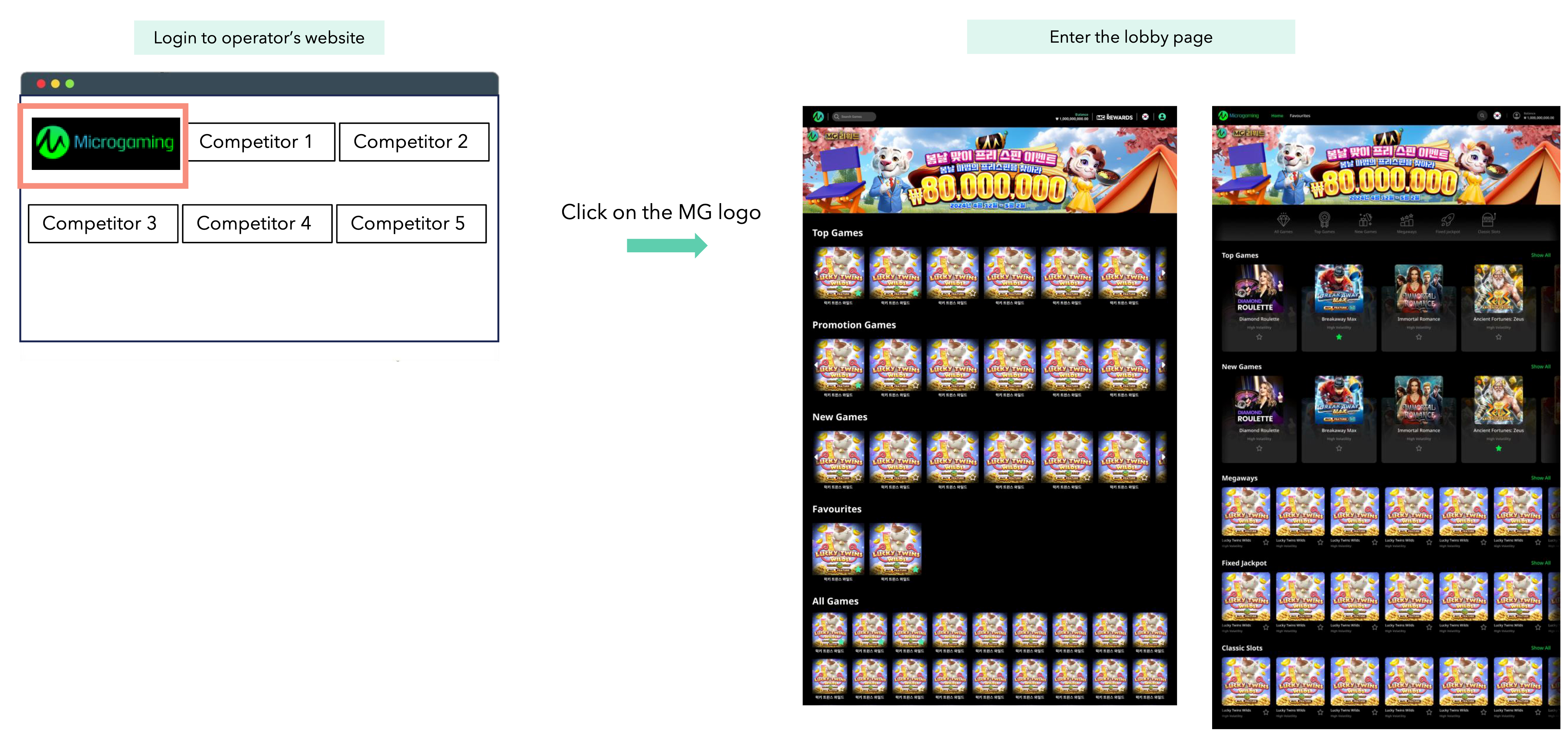
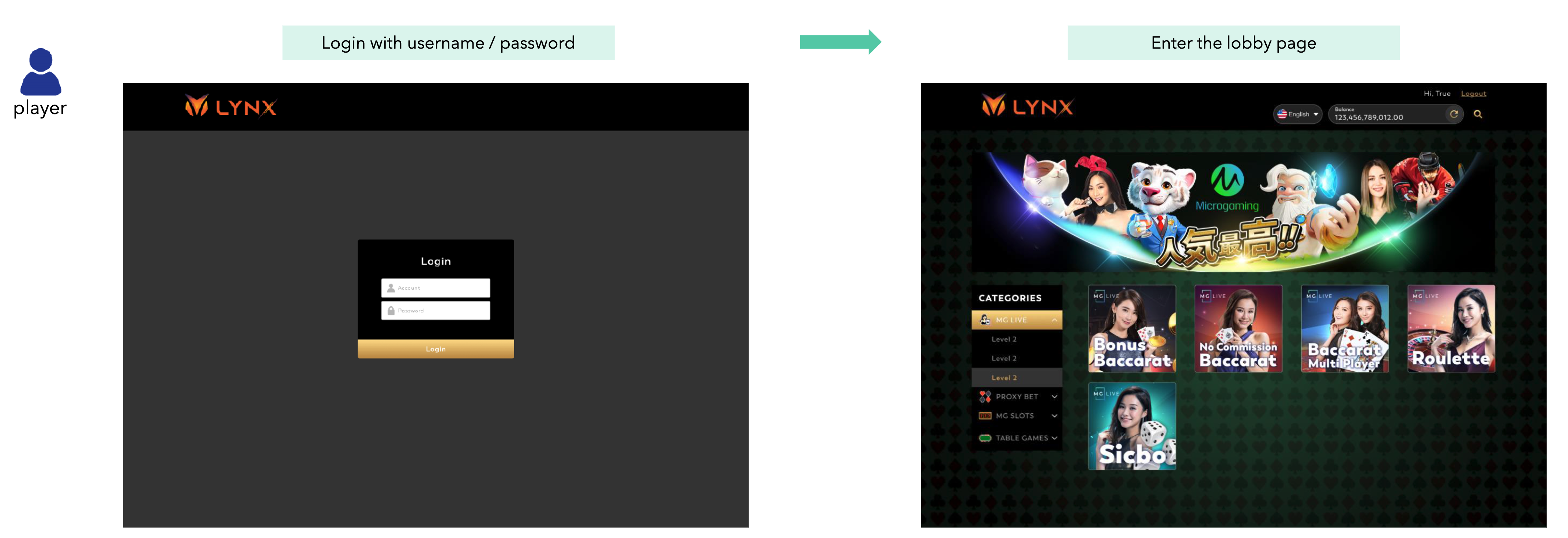
Lynx Lobby Player User Flow
-
Ensure that a Player/Station account has been created in MG+ Backoffice. Refer to the Player Management/Station Management pages under the Kiosk MG+ Backoffice manual.
-
The credentials generated for the account will be used to log into the Lynx lobby.
Falcon and Aurora Player User Flow
-
Generate the lobby URL and token (refer to the Game Lobby API Implementation guide).
-
The operator must integrate the API into their website.
-
The player can then enter the Falcon/Aurora lobby page through the operator’s website.