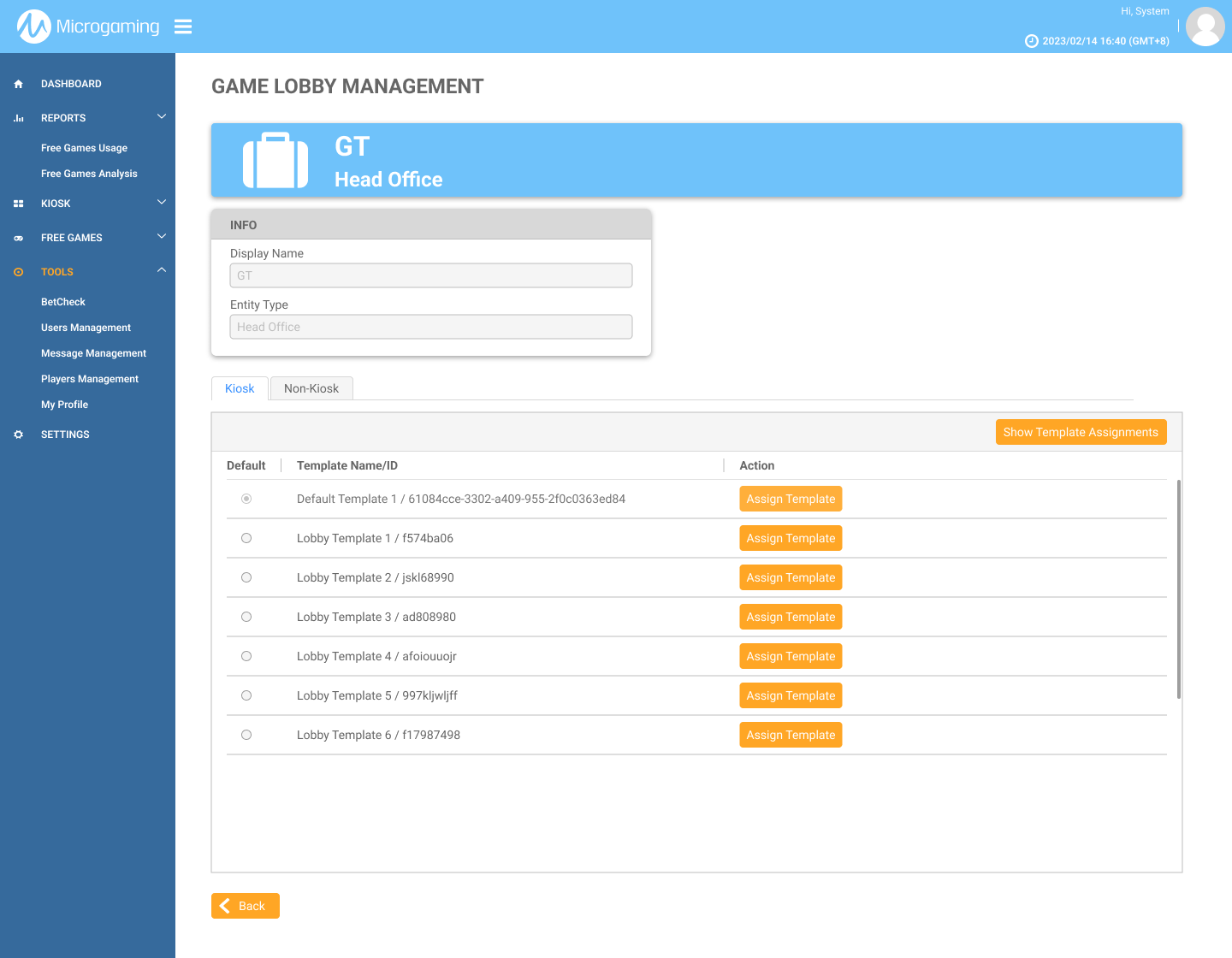
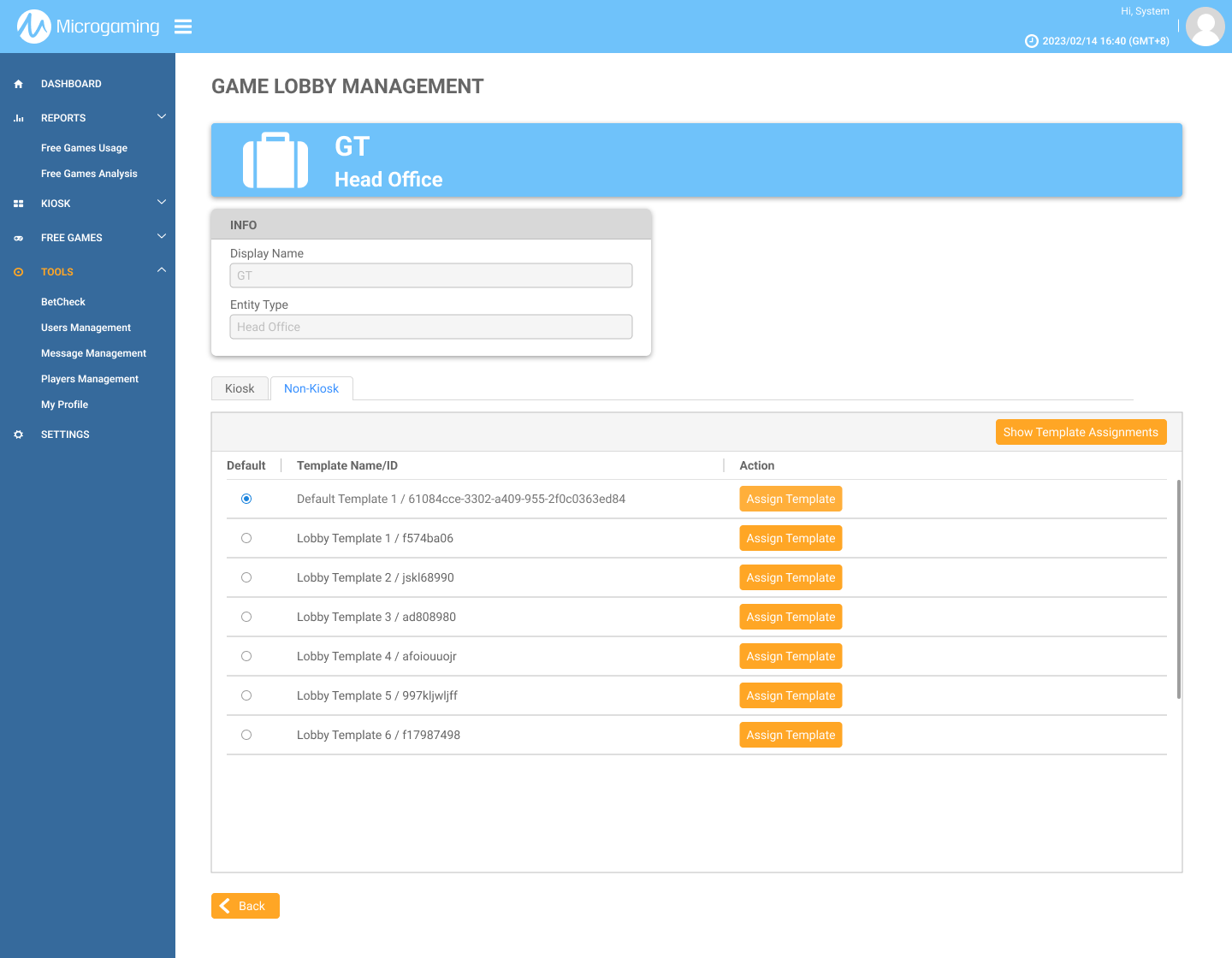
This page explains how to assign a template to an Agent and set a default template for a Head Office via MG+ Backoffice.
Game Lobby Management Permission
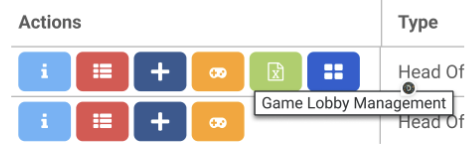
Ensure that in MG+ Backoffice, Game Lobby Management is enabled as a permission for the entity. This allows the user to see the Game Lobby Management button on the User Management page.
Game Lobby Management Tab Scenarios
Scenario 1 Head Office with only Kiosk Agents.
-
Only the Kiosk templates (Lynx) are displayed.
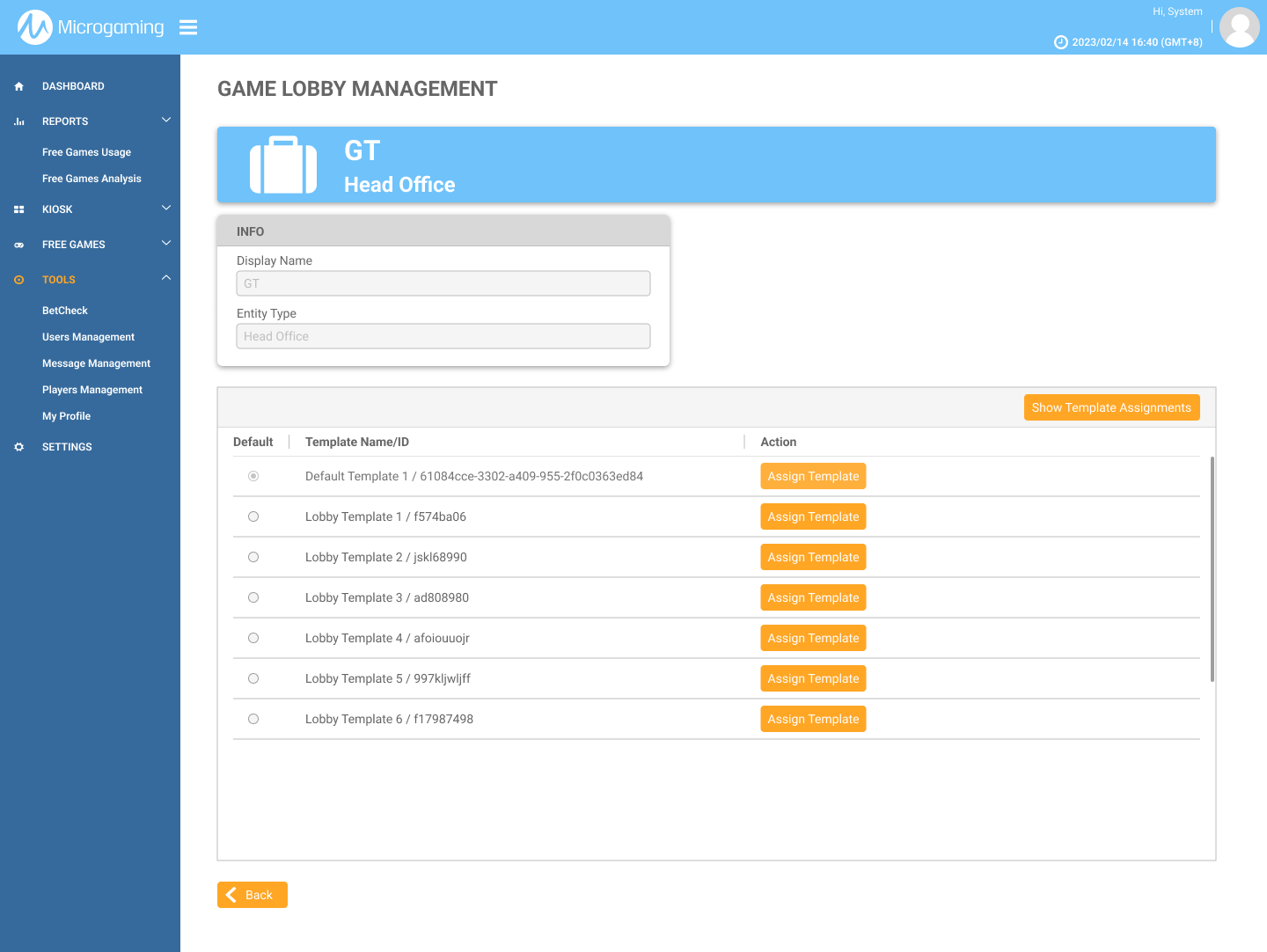
Scenario 2 Head Office with only Non-Kiosk Agents.
-
Only Non-Kiosk templates (Falcon and Aurora) are displayed.
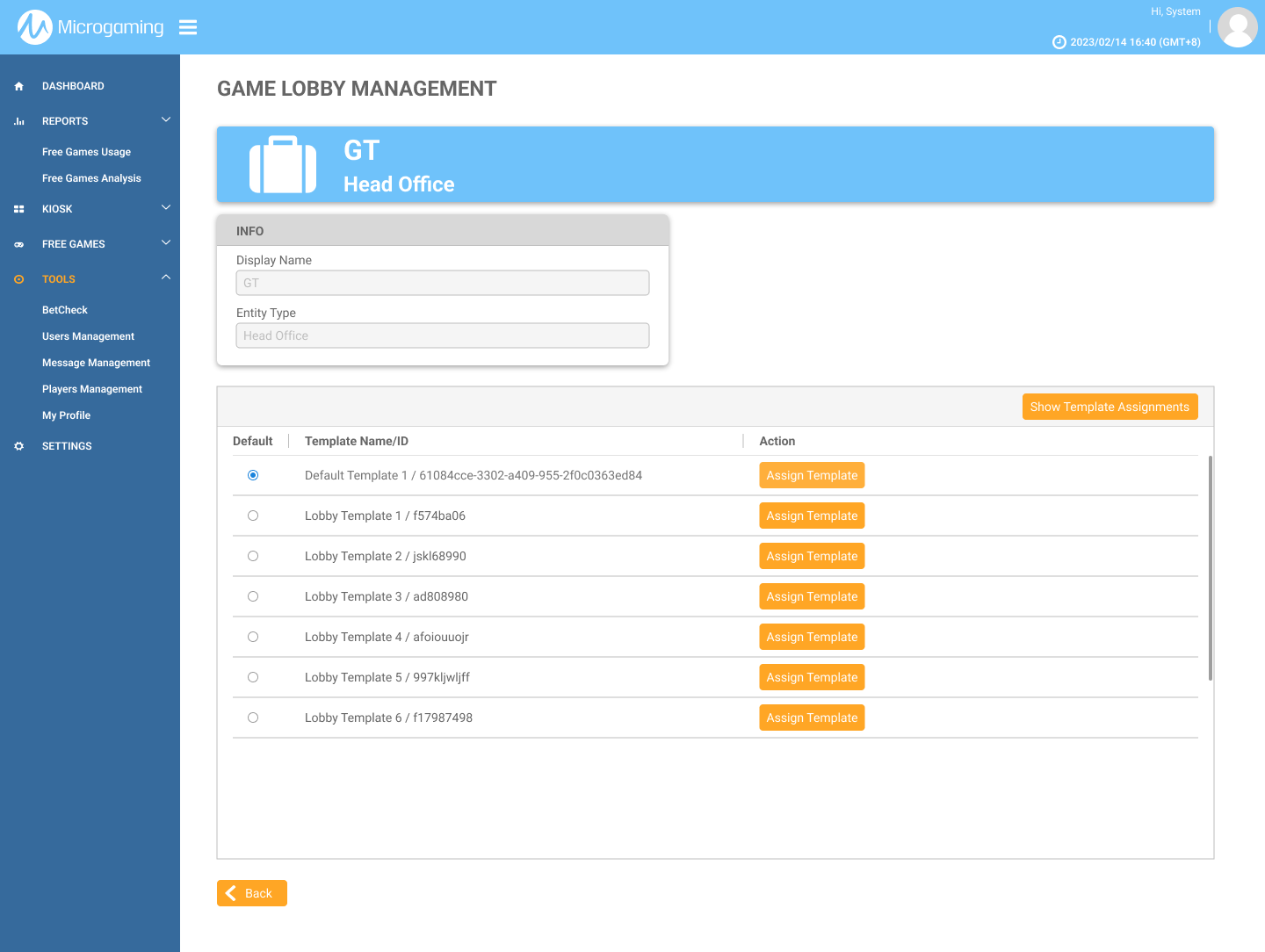
Scenario 3 Head Office with Kiosk and Non-Kiosk Agents.
-
Both Kiosk (Lynx) and Non-Kiosk (Falcon and Aurora) templates are displayed under separate tabs.