
Adding a Default Currency Factor
-
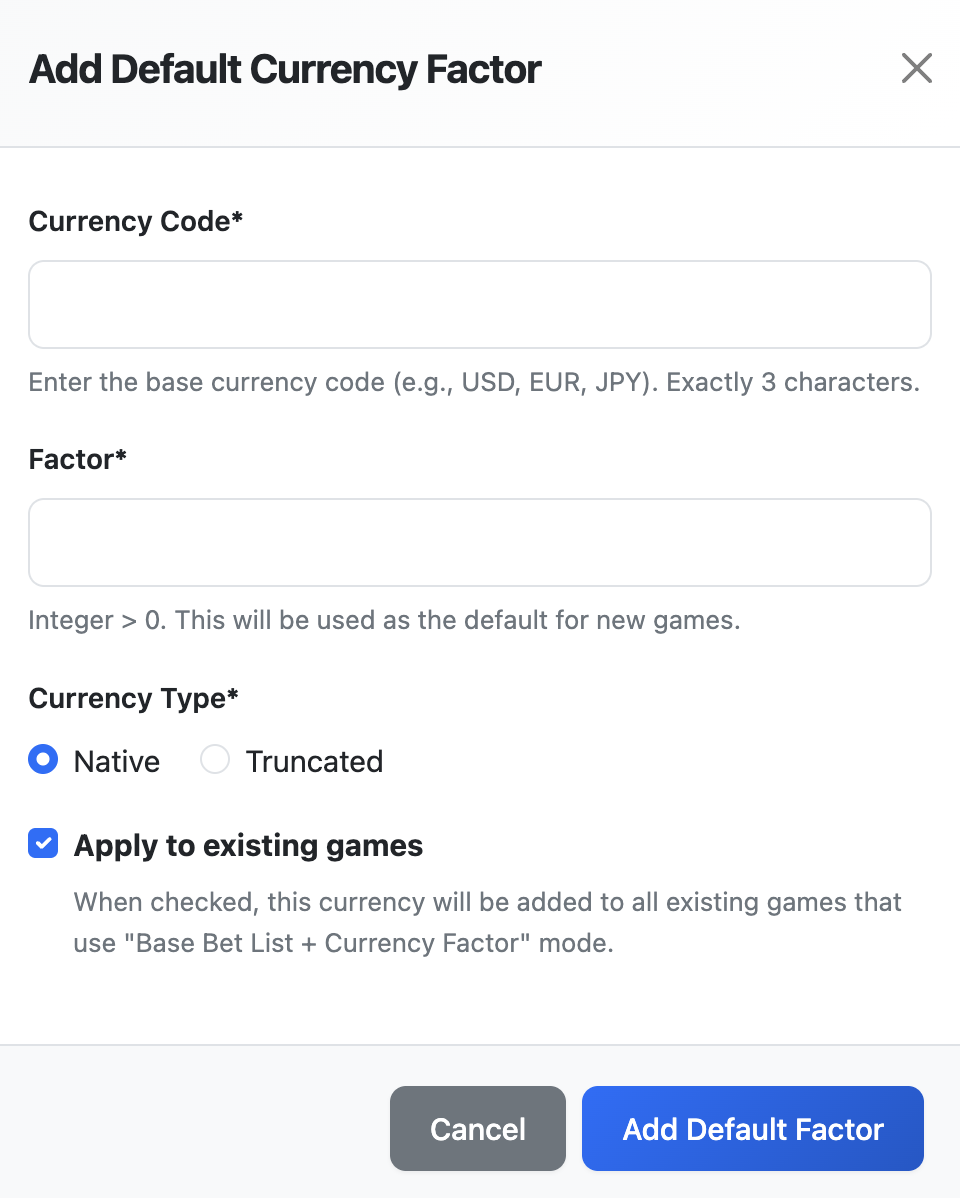
Click Add Currency button
-
Fill in the fields:
-
Currency Code: Exactly 3 characters
-
Currency Type: Native or Truncated
-
Factor: Whole number ≥ 1
-
-
(Optional) Check Apply to existing games to add this currency to all games with Base + Currency Factor mode
-
Click Add Default Currency Factor
Editing a Default Currency Factor
-
Click the edit (pencil) icon next to the currency
-
Modify the Factor value (Currency Code and Type cannot be changed)
Note: The Currency Code and Currency Type fields are disabled during editing, as they form the unique identifier. Only the Factor value can be updated.
-
(Optional) Check Update existing games to update this factor in all games that currently use it
-
Click Save Changes
Deleting a Default Currency Factor
-
Click the delete (trash) icon next to the currency
-
(Optional) Check Remove from all games to delete this currency from all games that use it
-
Confirm the deletion
Bulk Import from JSON
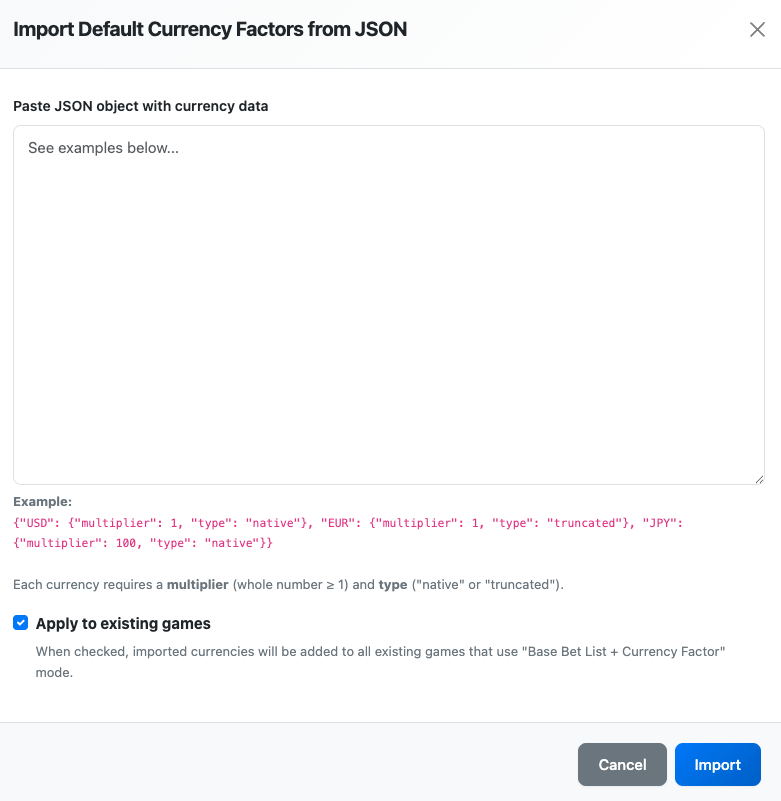
For adding multiple currencies at once:
-
Click Import JSON button
-
Paste JSON data in the format:
{
  "USD": { "factor": 1, "type": "native" },
  "EUR": { "factor": 1, "type": "native" },
  "JPY": { "factor": 100, "type": "native" },
  "JPY": { "factor": 1, "type": "truncated" },
  "IDR": { "factor": 4000, "type": "native" },
  "IDR": { "factor": 4, "type": "truncated" }
}
Note: When a currency has both native and truncated versions (like JPY or IDR), you must import them in separate batches since JSON keys must be unique.
-
(Optional) Check Apply to existing games
-
Click Import Currencies
Validation Rules
-
Currency codes must be exactly 3 characters
-
Each currency can have only one native and one truncated version
-
Currency type is determined by the "type" property ("native" or "truncated")
-
Factors must be whole numbers ≥ 1