If you've forgotten your password, follow the steps below to reset it.
-
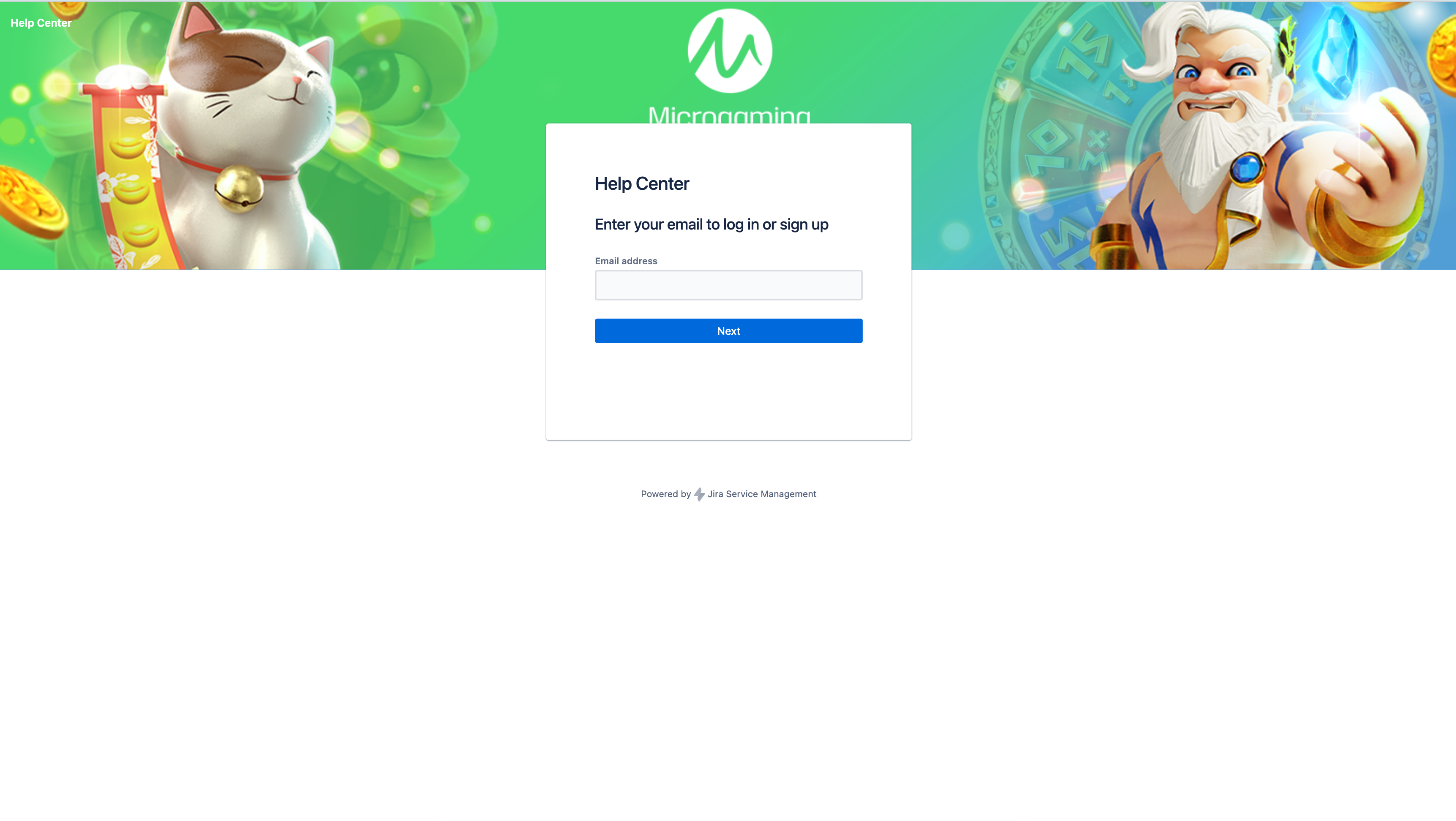
Access the portal login page and enter your email address.
-
Click Next.
-
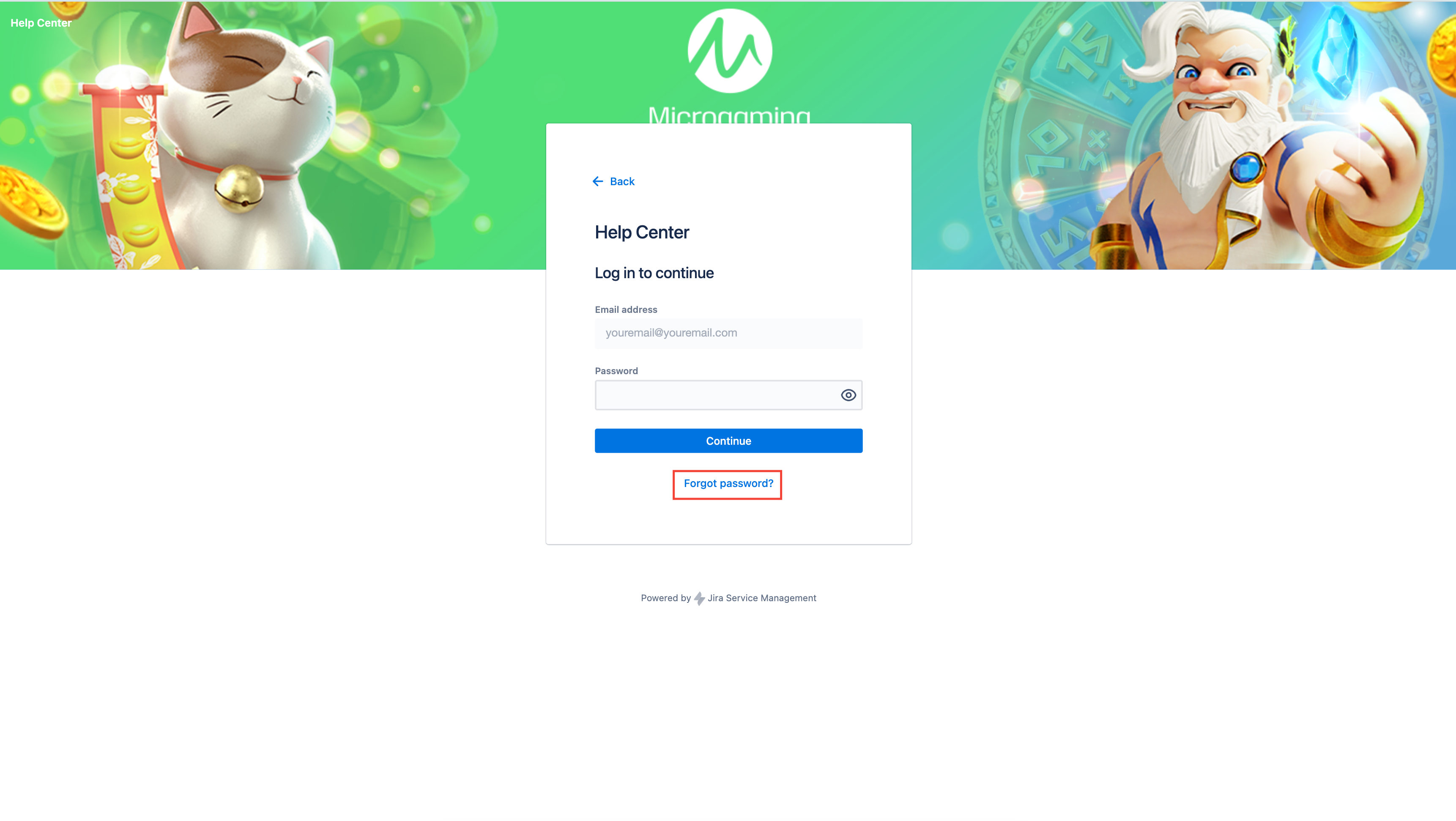
Click the Forgot password? link.
-
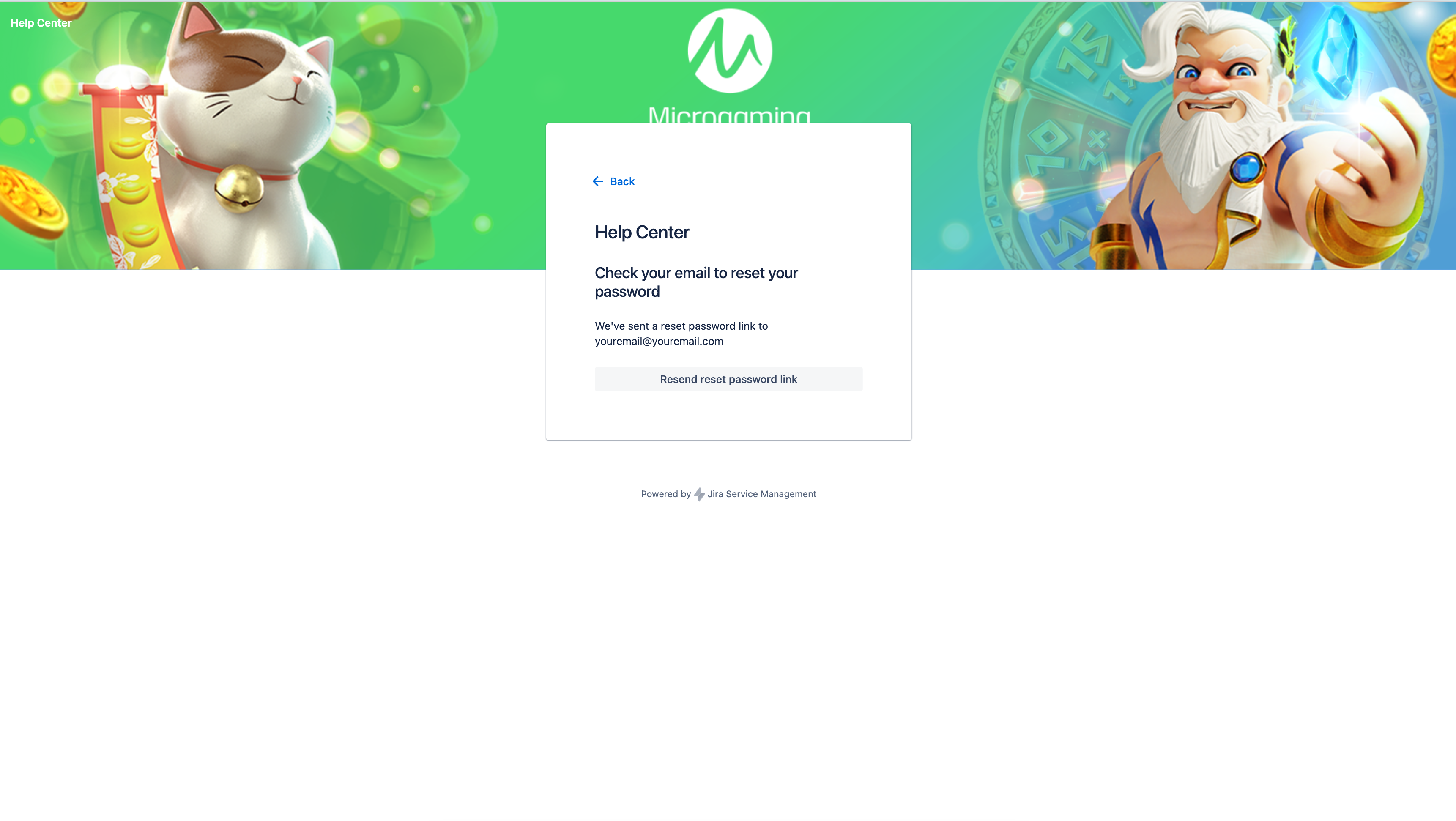
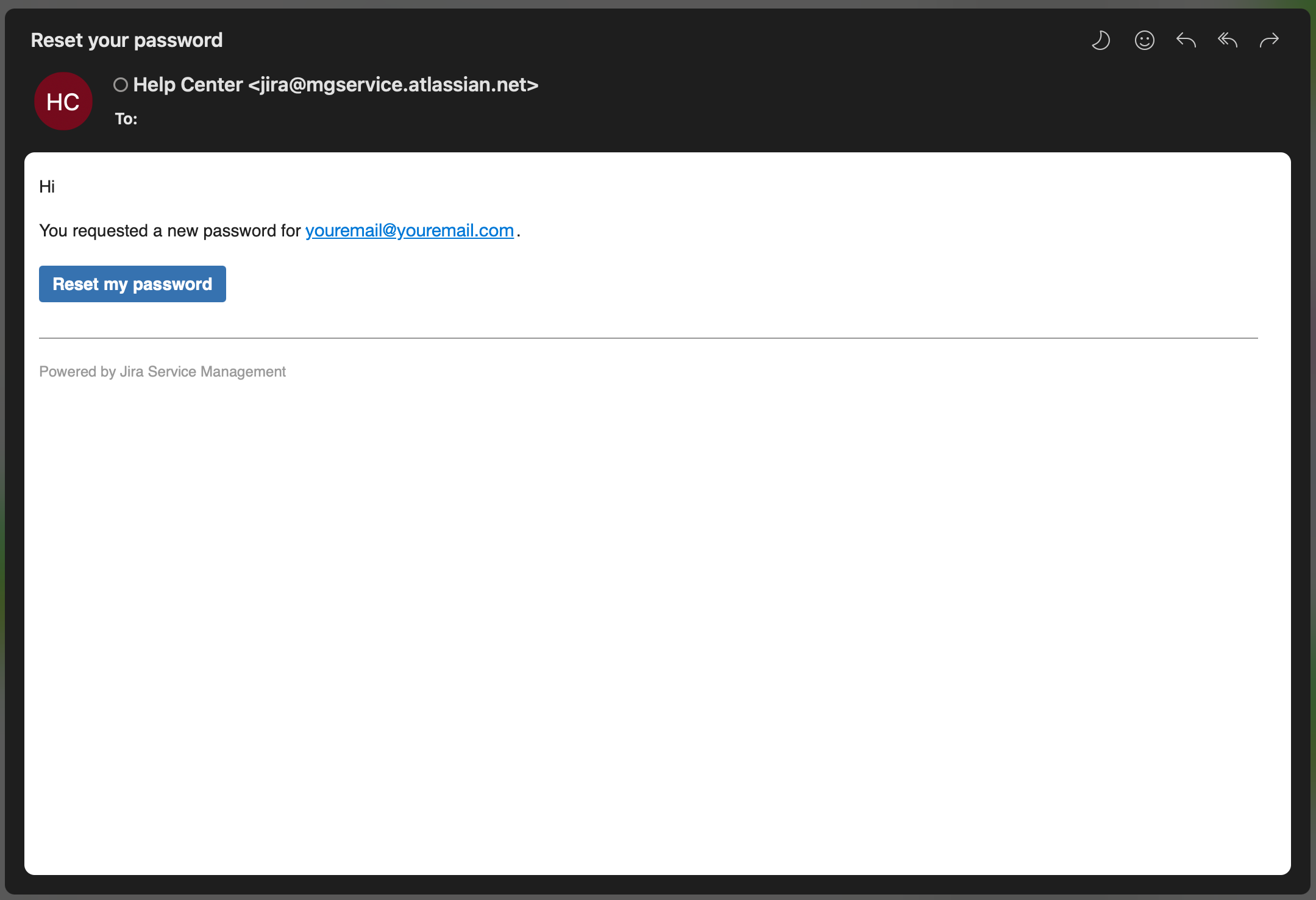
An email with the password reset link will be sent to you by the Jira Service Management system.
-
If you didn’t automatically receive an email to reset your password, click the Resend reset password link button.
-
Open the Reset your password email.
-
Click the Reset my password button.
-
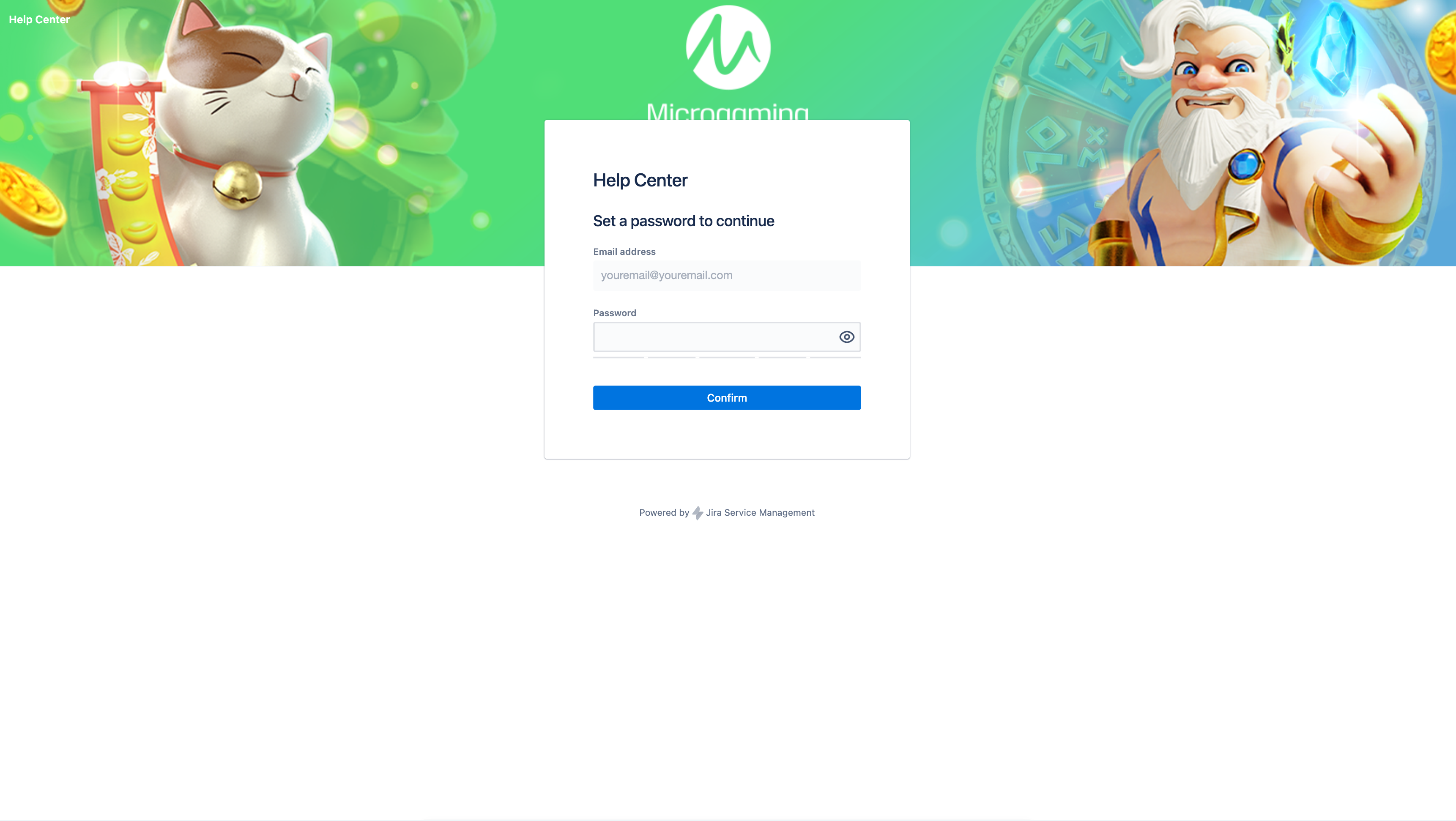
You'll be redirected to a page where you can set a new password.
-
Click the Confirm button when you’re done.