
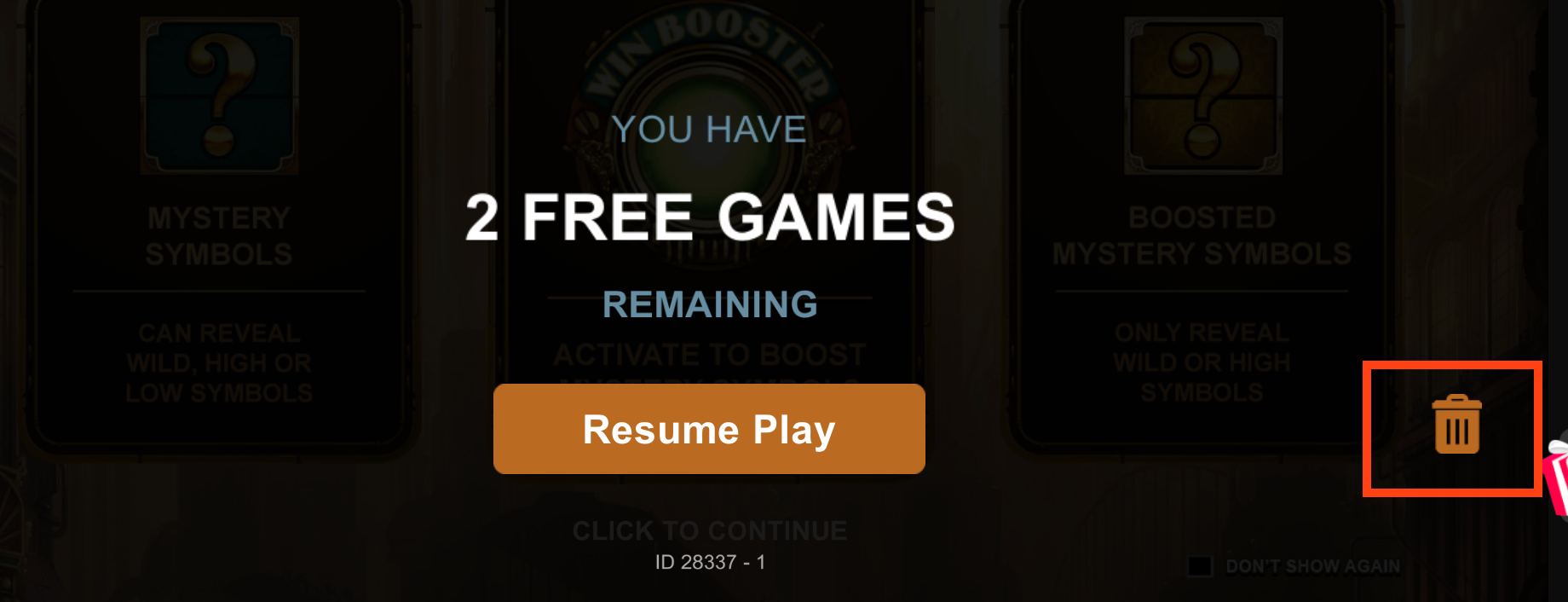
When a player clicks the trash bin icon on the free games offer popup screen to reject the offer, the operator should implement the API detailed in this guide to receive a notification.
API Integration Process
-
The operator provides API endpoints to MG+.
-
The operator must provide a Head Office endpoint.
-
For customized notifications, the operator must provide the endpoints for the specific Master Agents or Agents.
-
-
The operator whitelists the following IP addresses:
-
3.123.60.168/32
-
18.193.63.102
-
52.199.206.85/32
-
54.64.194.205/32
-
-
The operator verifies the notification service's functionality after the configuration is complete.
Endpoint Setup
Please set up an endpoint according to the specifications detailed below and pass it to your support team.
The parameters must be matched in camel case e.g. agentCode.
Endpoint URL
-
Method:
POST -
Path: https://{endpoint}
|
Name |
Required |
Data Type |
Description |
|---|---|---|---|
|
agentCode |
Yes |
String (50) |
The unique identifier for the Agent. |
|
offerGuid |
Yes |
GUID |
The MG+ unique GUID that identifies the free game offer. |
|
freeGameStatus |
Yes |
String (50) |
Must be |
|
instanceGuid |
Yes |
GUID |
The MG+ unique GUID that identifies the free game instance. |
|
playerId |
Yes |
String (50) |
The MG+ unique identifier for the player. |
|
currencyCode |
Yes |
String (3) |
The currency code of the Agent. |
Example Request
{
  "agentCode": "agent_123",
  "offerGuid": "2c123456-23a0-4bbf-a879-340c4a5d8e07",
  "freeGameStatus": "userRejected",
  "instanceGuid": "1234567e-511d-435e-9e62-63cf7f2f96e2",
  "playerId": "player_123",
  "currencyCode": "XS1"
}
Response Example
HTTP 200 - OK
Error Handling
In the event of a failure, MG+ will reattempt the request for a period of 24 hours.